Device Control
2N Indoor View is equipped with a touch display for intuitive control.
Idle Mode
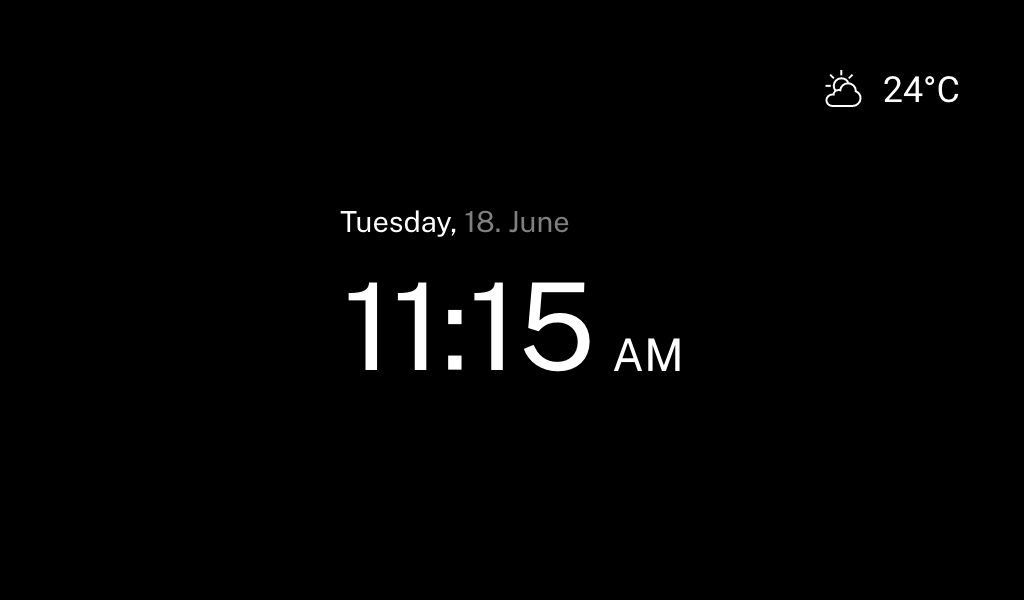
The device will automatically go into the Idle mode if there is no activity (after selection of the 15s –10min timeout). The device configuration allows date and time, the current weather information and door contact state to be displayed in the Idle mode if configured so.
Home Screen
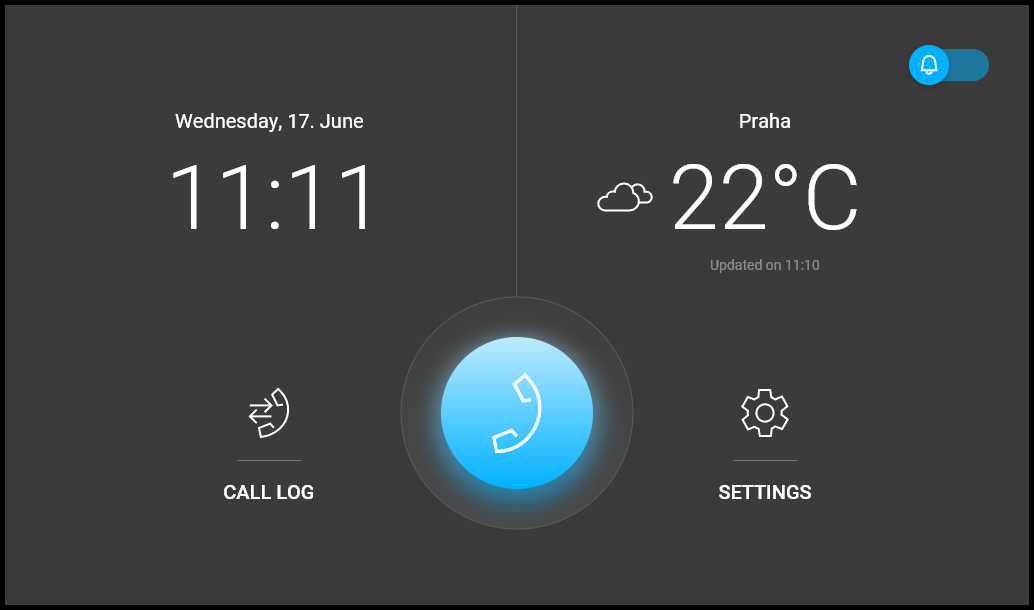
The Home screen is set as the start screen, which is displayed when the device is switched from the Idle mode by a finger touch. It shows the current date, time, temperature and location and provides access to the Logs, Directory and Settings as well as direct activation of the Do Not Disturb mode. The device configuration allows you to display the door contact state notifications and buttons with the selected icons of the configured HTTP commands on the Home screen.
Tip
A long press on the Home page location / current weather area automatically displays the Settings > Weather section.