Web configuration interface
Basic Orientation
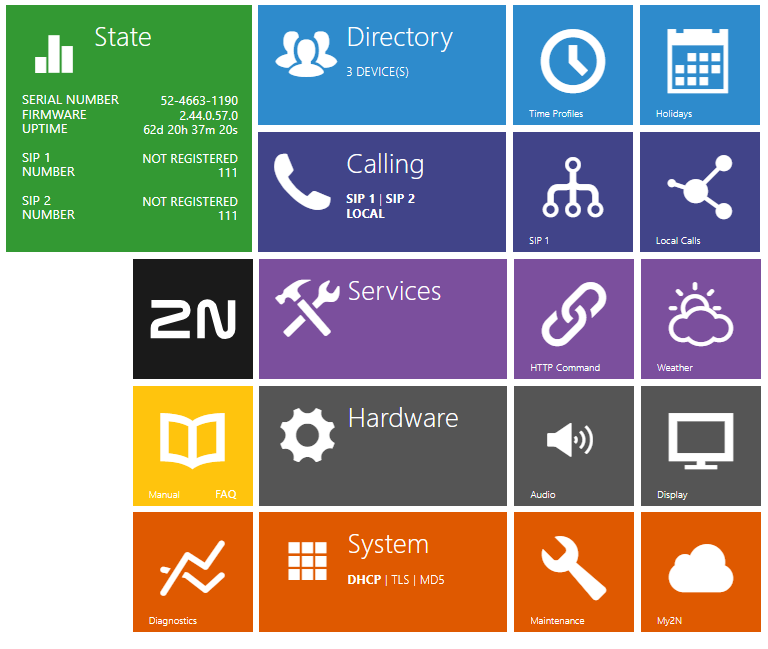
The displayed homepage is illustrative. The display of tiles depends on the available features of the specific device.
The start screen is displayed whenever you log into the 2N LiftIP 2.0 web configuration interface. Use the  button in the left-hand upper corner on each of the other web configuration interface pages to return to this screen anytime. The page header shows the device name (refer to Device Name in .
Menus
Use the menu in the right-hand upper corner of the web interface to select language. Click Log out in the right-hand upper corner of the screen to log out from the device, press the question mark icon to display Help or use the bubble to provide feedback.
Legend
The start screen is also the first menu level and quick navigation (click on a tile) to selected 2N LiftIP 2.0 configuration sections.
