Card Data Deletion
The 2N PICard Commander application helps you format cards or delete their access data. The cards can only be deleted and formatted in the project in which they were encrypted.
Card Formatting
Warning
By formatting a card you delete all the card data including the third party data.
Open .
Select . Tap the card on the reader.
Note
If Random ID is enabled on the card, card formatting will not restore the readability of the original UID.
Access Data Deletion
 |
Open .
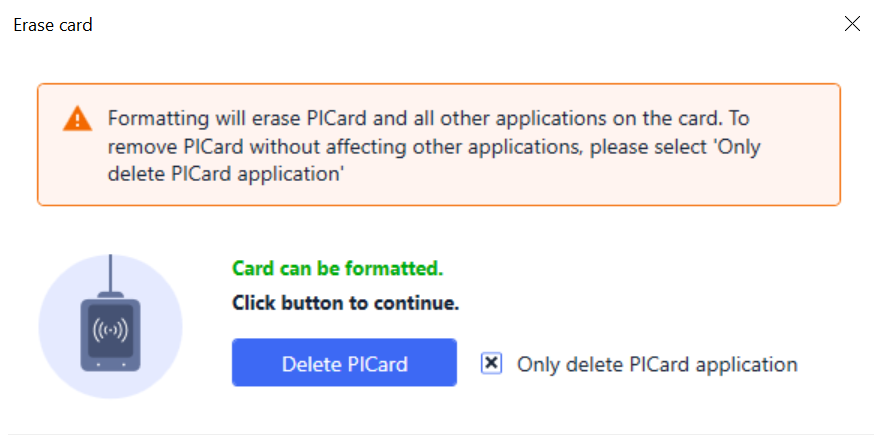
Select Only delete PICard application.
Tap the card on the reader.
Press to delete the encrypted card access data.