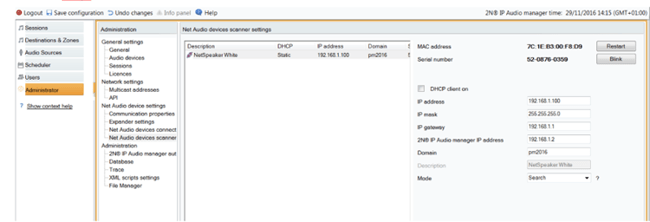
In the default state have all 2N Net Audio devices a dynamic IP Address setting. To change this setting is possible in the configuration menu of the Control panel, in the section Administration - Net Audio Device Setting - Net Audio Device Scanner, in the right part of the Menu un-select the option DHCP client on and set the static network parameters as shown in the exmaple below