Calls
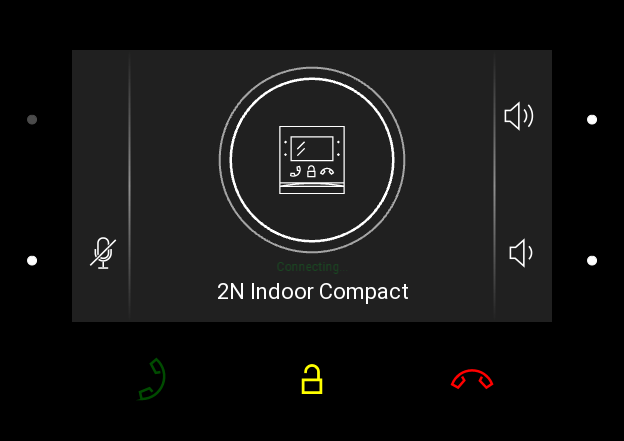
In this state, connection or connection attempt is in progress with another device. The 2N Indoor Compact functions are limited, it is impossible to switch to the home page and go to menus. Possible actions are included in the table below.
A preview of the camera if available is shown on the display.
In this state, one of the following call types can be active in the device:
Outgoing call initiated by the 2N Indoor Compact answering unit.
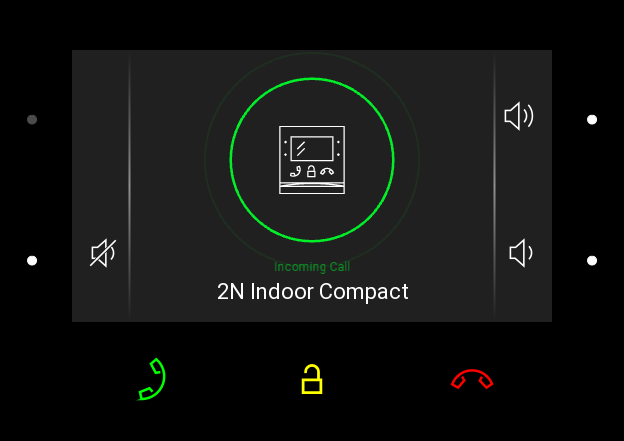
Incoming trying to establish connection with the 2N Indoor Compact answering unit.
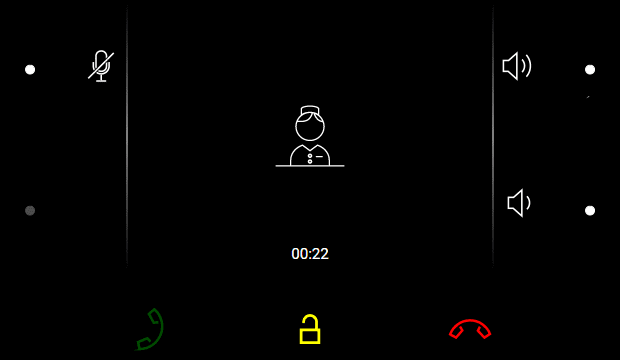
Active call – if connection between the devices is established, sound is transmitted and camera preview if available is displayed.
Figure 1. Outgoing Call
| Figure 2. Incoming Call
| Figure 3. Active Call
|
Possible actions | Performance | Action result |
|---|---|---|
Incoming call receiving |
| Connection with the other device has been established, a call is in progress. |
End of Call |
| The outgoing call is cancelled./The incoming call is rejected./The active call is interrupted. Home screen is displayed. |
End of call |
| The active call is interrupted. |
Target device lock opening |
| A specifically configured unlock code is sent to the target device and, if the code is compatible with the device, the target device lock opens. If no unlock code is set, the default unlock code is sent to the target device. Door unlocking is signaled by a tone and green flash of the lock button. |
Mute call |
| 2N Indoor Compact does not transmit audio to the called device. The microphone icons turns red. “Noone can hear you” is displayed in the active call. The microphone buttons is flashing yellow. The action reperformance cancels muting. |
Call volume control |
or
| The call volume is increased/decreased by one level by each press of The volume level is automatically written to the settings. |
Ringtone Disable |
| The ringtone stops playing. The incoming call is not ended. |
Called Device Camera Preview Switch |
(Cannot be displayed until | The camera preview is switched to another camera assigned to the device. The icon number indicates the camera placement in the sequence. |
Camera Preview Focus on Face |
(Cannot be displayed until | The camera preview focuses on the face of the person standing at the device. |


