Home Screen
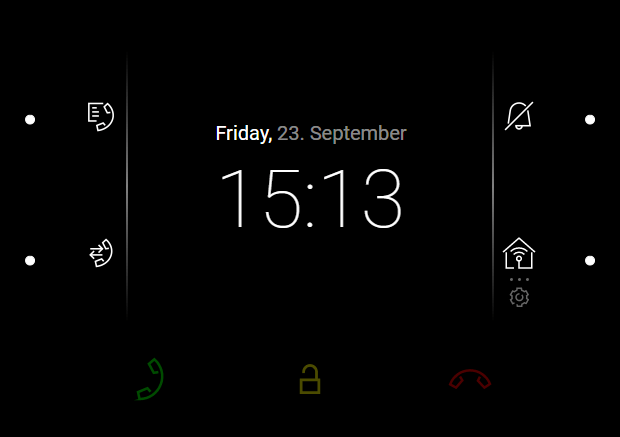
The Home screen is set as the start screen of the device, which is displayed whenever the device is activated by a or button press in the Idle mode. The device displays:
The home screen provides access to:
|  |
Possible actions | Performance | Action result |
|---|---|---|
Display of Directory Menu |  | Directory Menu is displayed. |
Call Log Menu Display |  | Call Log is displayed including a list of accomplished calls. |
Do Not Disturb Activation |  | Do Not Disturb Mode is activated and the activation message is displayed. |
Settings Menu Display | long press | Settings Menu is displayed on the device. |
Send the set HTTP command | Press the set HTTP command icon located at the right-hand bottom button | The HTTP command is sent to an external device. |
