Do Not Disturb Mode
The incoming call ringtone is switched off in the DND mode. A call can be received, rejected or ended, see Calls. The display shows the camera preview if available , CLIP and the Incoming call message. CautionThe doorbell tone is switched on. Set the doorbell tone in the DND mode in the web interface (). In the DND mode, you can also set automatic call rejection for the device (directly on the device or in ) and automatic DND activation/deactivation according to the set time profiles (). | 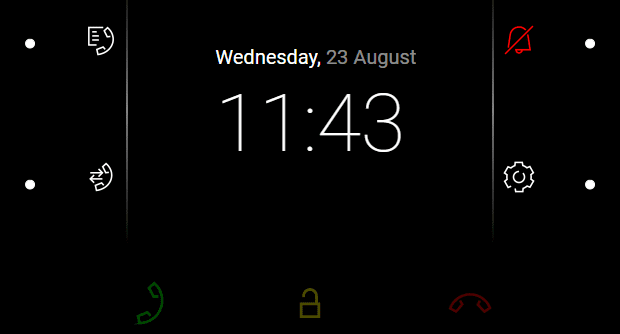 |
Possible actions | Performance | Action result |
|---|---|---|
Do Not Disturb Activation |
| Activation of the Do Not Disturb mode. The DND mode can be disabled by a repeated short press of |
Do Not Disturb Deactivation |
| DND is deactivated and the doorbell icon turns white. |
