2N Meeting Room

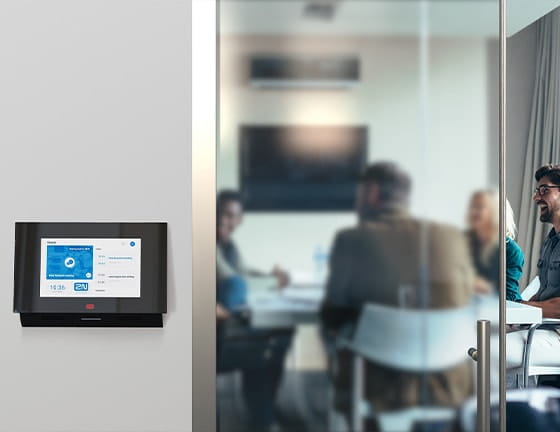
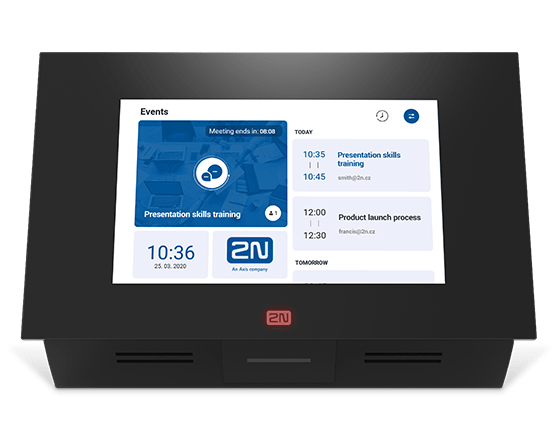
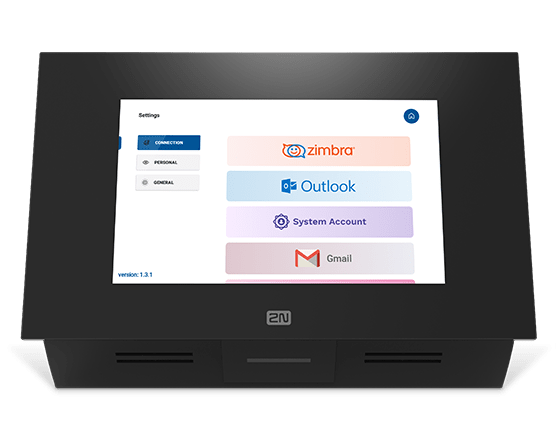
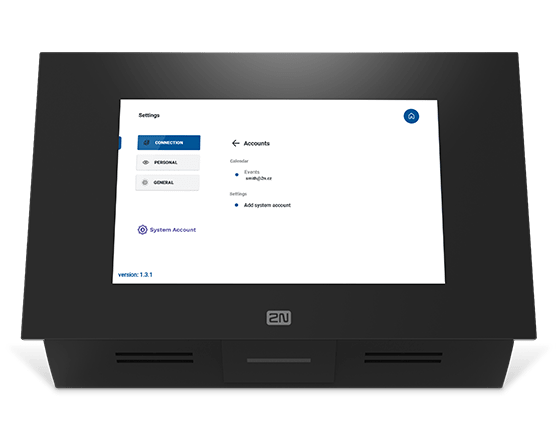
The 2N Meeting Room application for the 2N Indoor Touch 2.0 offers users a full overview of scheduled occupancy for meeting rooms. Just install a 2N Indoor Touch 2.0 with the uploaded application near the door to the meeting room. By checking the display, users can immediately see when the room is free. You can synchronise the application with a shared calendar on Microsoft Office 365, Microsoft Exchange, Google Gmail or Zimbra.
  • Overview of scheduled meeting room occupancy
  • Room status indicated with colour
  • Support for widget extensions
Prossimo (7)

Attivazione della sala riunioni 2N

Per prima cosa, carica una licenza Meeting Room sull'unità 2N Indoor Touch 2.0 (numero ordine: 91378396), quindi attivare la funzione 2N Meeting Room. Per garantire chiarezza e semplicità d'uso, l'unità si disattiva automaticamente durante le chiamate.

Supporto per le estensioni widget

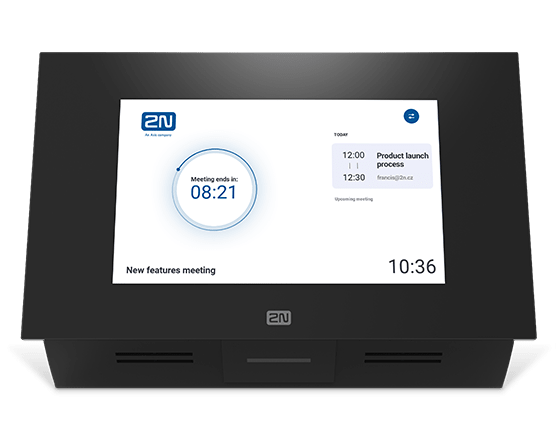
Oltre a sincronizzare il dispositivo con un calendario e la possibilità di prenotare immediatamente una sala, è possibile personalizzare l'aspetto dell'applicazione 2N Meeting Room. Puoi facilmente cambiare il nome della sala riunioni o aggiungere un logo o un'altra immagine. Puoi anche aggiungere altre funzionalità, come la data, l'ora, il giorno della settimana o le informazioni sul meteo attuale.

Scarica

The application is compatible with the following products

Torna all'inizio