The backup of database is created automatically when the server is started. This file is stored in the hidden directory.
You can find it if you go to C:/ProgramData/2N TELEKOMUNIKACE/2N IP Audio/Manager
In this directory you will find the file Manager.db.
To see this file just paste the link in the Windows browser
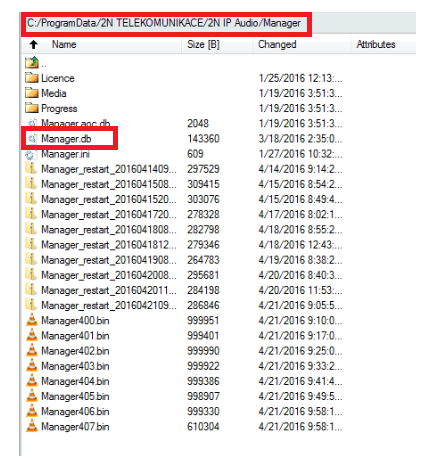
If you need to restore or upload the database just stop the server, copy and overwrite backup file in this directory. Then start the server.