-
Open a web browser with IP address of your GrandStream GXV3672HD camera.
-
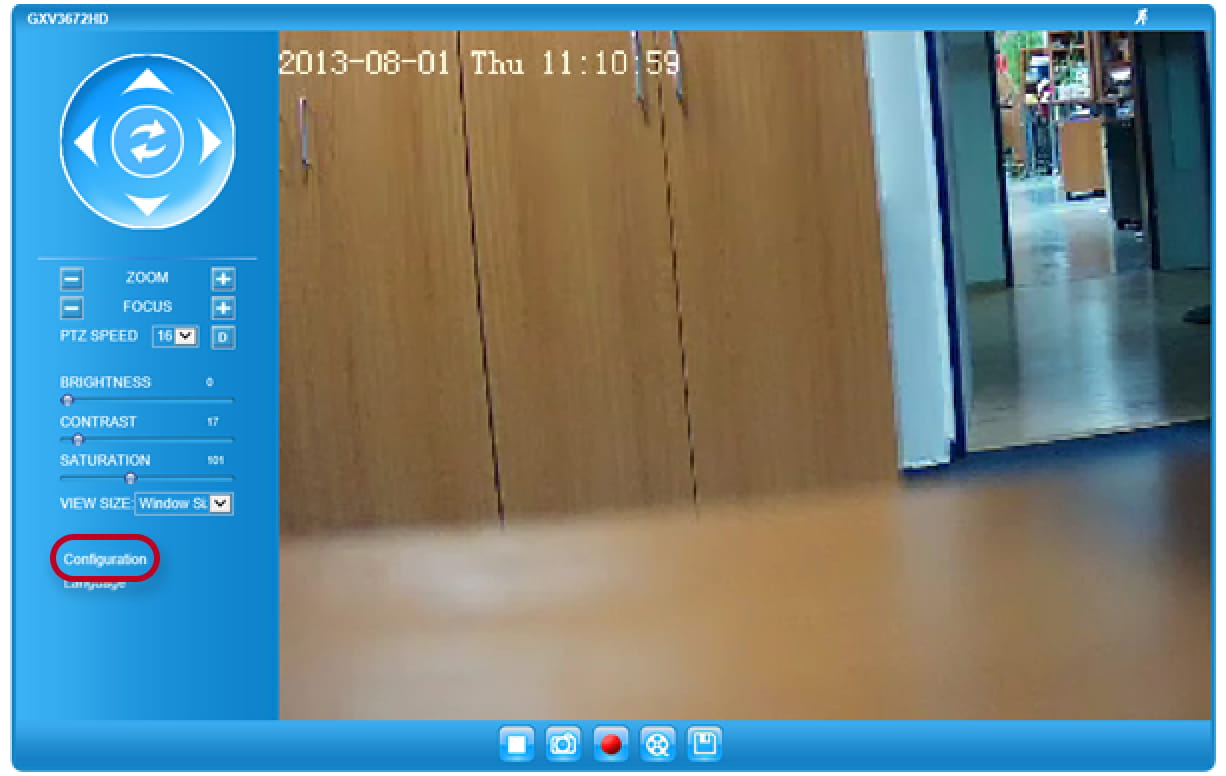
You will see the opening screen as described below, go to Menu Configuration and enter the Username and Password
By default Username: admin
Password: admin
Set the video steam in Menu Basic Setting -> Video & Audio as is described in the picture below and press Save

That is all for the IP camera settings
3. In the next step open the web browser with IP address of your Helios IP device and enter the Username and password
In menu Hardware -> Camera -> Common Settings enable Video Source „External camera“

In menu Hardware -> Camera -> External Camera in the field will be RTSP Stream Address „rtsp://x.x.x.x:554/0“, where x.x.x.x is the IP address of your external IP camera
Username is in default „admin“ and password „admin“ as well.

Remember: The IP address is just an example, it will be different in your network
It is strongly recommended to change the basic default setting in order to increase the security