Slideshow on 2N IP Intercoms display

The steps in this article require using the web interface of a 2N device. Please follow this manual in case this is your first time using the web interface.


2N IP intercoms with a display allow you to upload up to 8 images and videos for the Slideshow to be switched with a predefined delay.  


This article focuses on uploading images and Slideshow parameters
Uploading videos is described here: Upload a video to display on 2N IP intercom


Prerequisites

  • 2N IP intercom with a display and the latest firmware,
    no additional license is required.

    Supported devices:
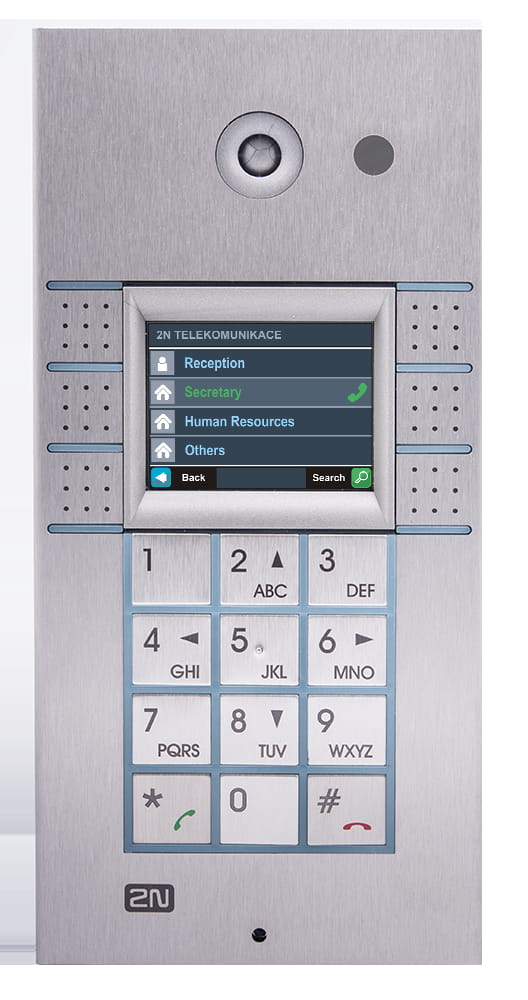
    • 2N IP Vario equipped with a display
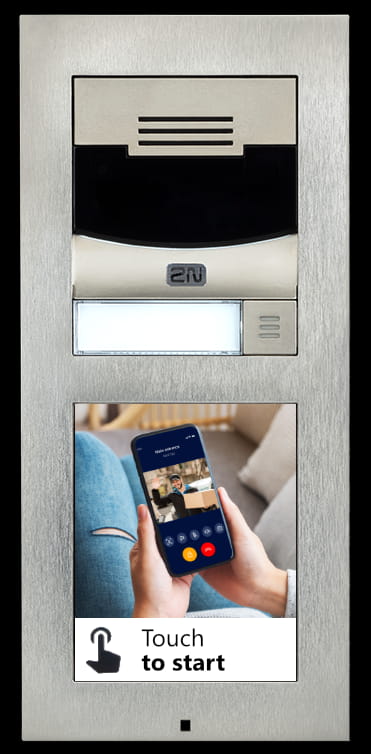
    • 2N IP Verso with additional touch display module
    • 2N IP Verso 2.0 with additional touch display module
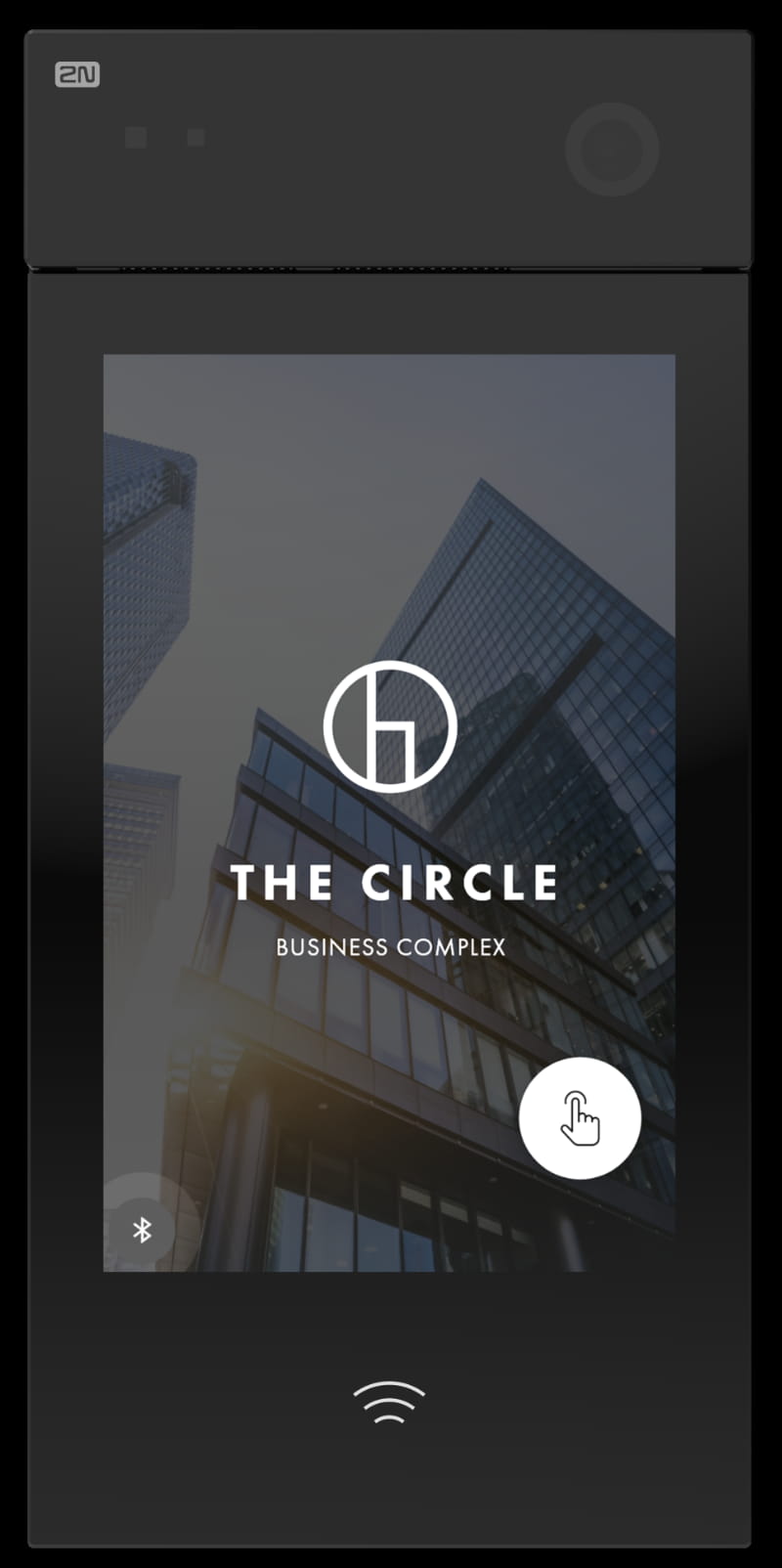
    • 2N IP Style


  • Prepared images meeting required resolution according to used 2N device.

           2N IP Vario
       2N IP Vario with a display 

    • file type: JPG / PNG GIF

    • resolution: 320 x 240 px
        2N IP Verso,
        2N IP Verso 2.0
      2N IP Verso 

    • file type: JPG / PNG GIF

    • resolution:

      • 214 x 214 px 
        (to show the "Touch to start" text)

      • 214 x 320 px
        (to hide the "Touch to start" text)

         2N IP Style
     2N IP Style


    • file type: JPG / PNG GIF

    • resolution: 800 x 1280 px


Upload up to 8 images to the 2N IP intercom

  • Go to section "Hardware - Display".
    To show the video on the display, set "Showcase Mode" to "Slideshow". 
    Adjust "Showcase Mode Delay", after that the video is displayed.

2N IP Intercom - Hardware - Display - Display


  • Go to Slideshow tab, set time before going to next image, upload your images there and save.
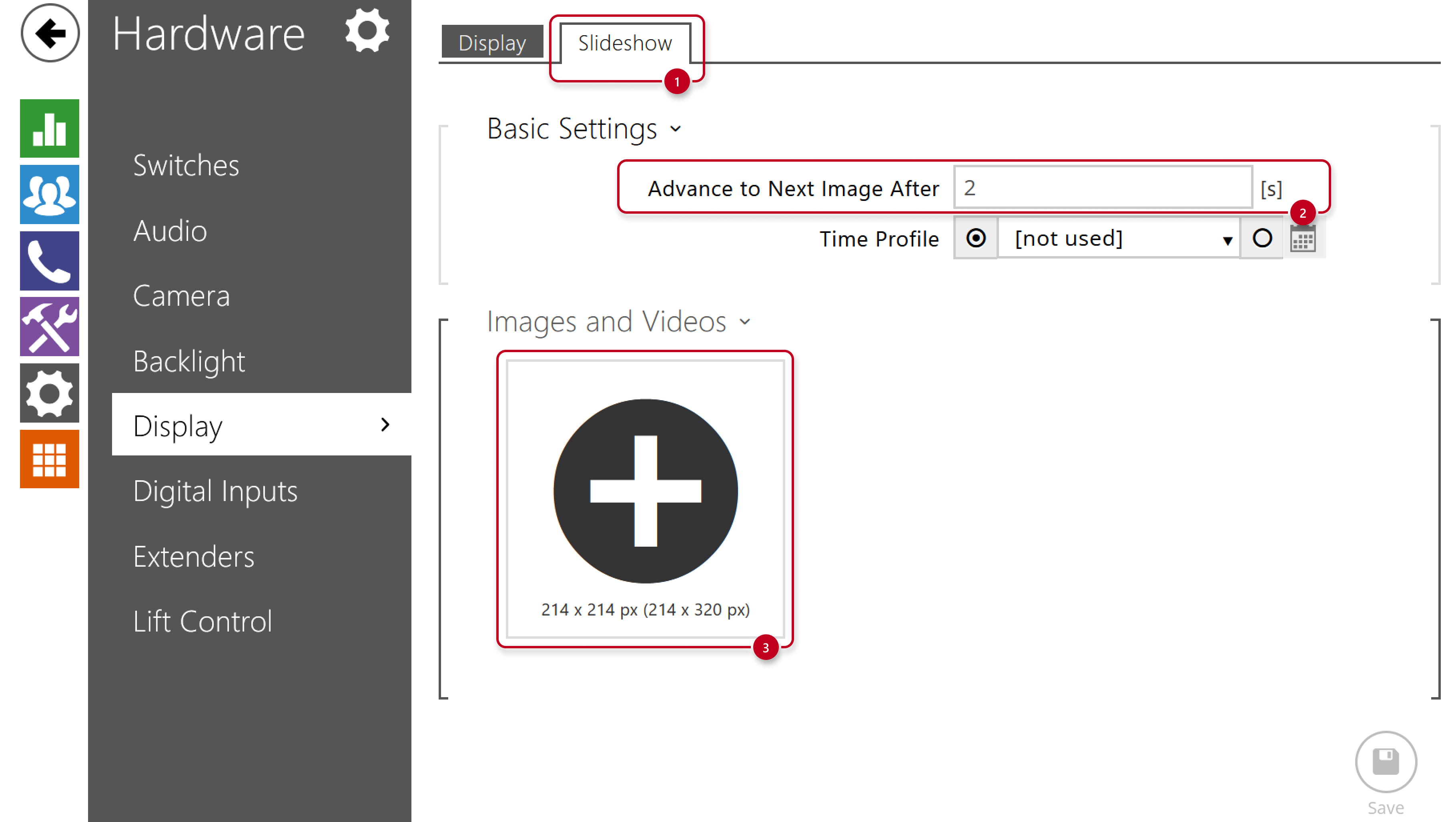
2N IP Intercom - Hardware - Display - Slideshow

2N IP Intercom - Hardware - Display - Slideshow - Save


When and if it will be displayed

  • Each image can be temporary invisible or visible according to a time profile schedule.
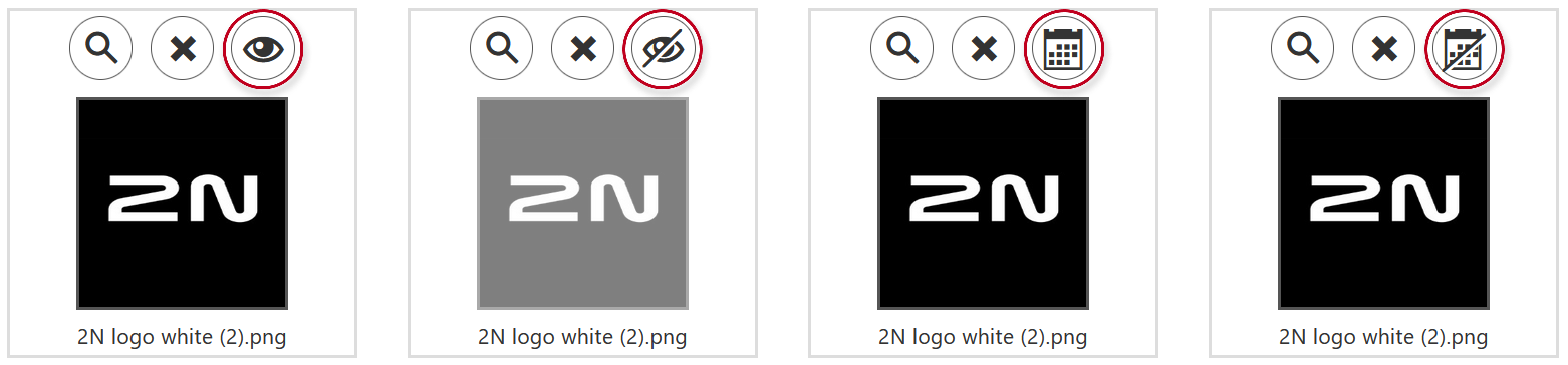
2N IP Intercom - Hardware - Display - Slideshow - when and if to be displayed


このページは役に立ちましたか?