Installation and License Reading
Install 2N PICard Commander in a standard way using the installer.
Once the application is launched, click on the orange bar (or in ) to upload the license. Now read the license file from the disk. Make sure that the card reader is connected to your PC to make the license upload successful.
Note
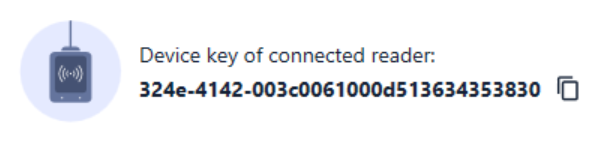
The license is tied to a specific USB card reader. To get the license, complete the reader Device key, which can be found in the 2N PICard Commander () license info section. Make sure that the card reader is connected to your PC before displaying the key.
Connection of Another Reader
If you connect a card reader other than the one paired with the license, 2N PICard Commander will notify you of this upon the launch. You can upload a new license in the box.