How to add Japanese language on 2N Clip Display (as a custom language)
The steps in this article require using the web interface of a 2N device. Please follow this manual in case this is your first time using the web interface.
This article explains how to add a custom language to a 2N Clip answering unit and how to edit the date and time format.
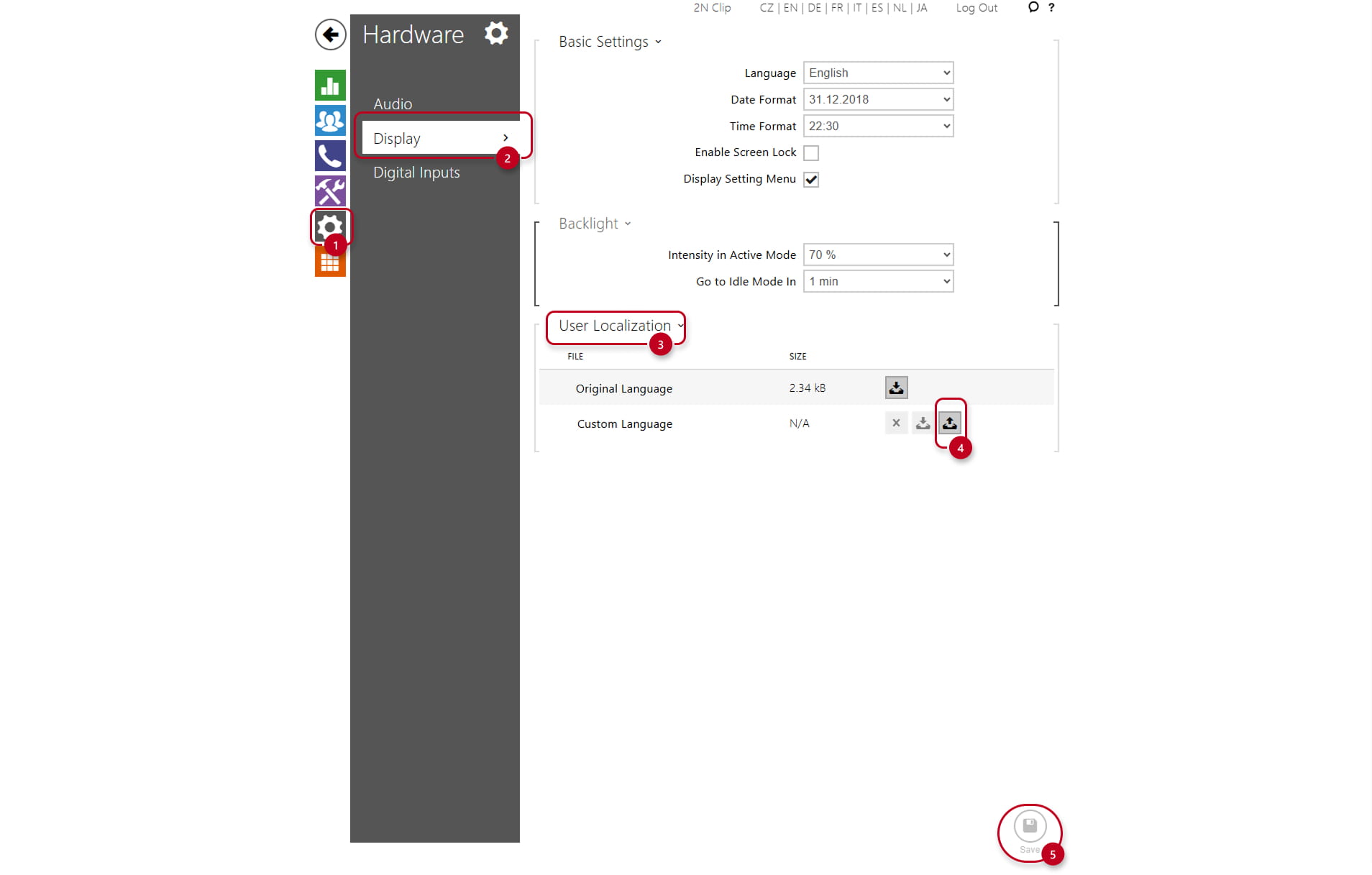
First, you need to log in to the web interface, then select Hardware -> Display -> User Localization -> Upload button for uploading the language file. You can download the file with Japanese language here.
Editing the date and time format
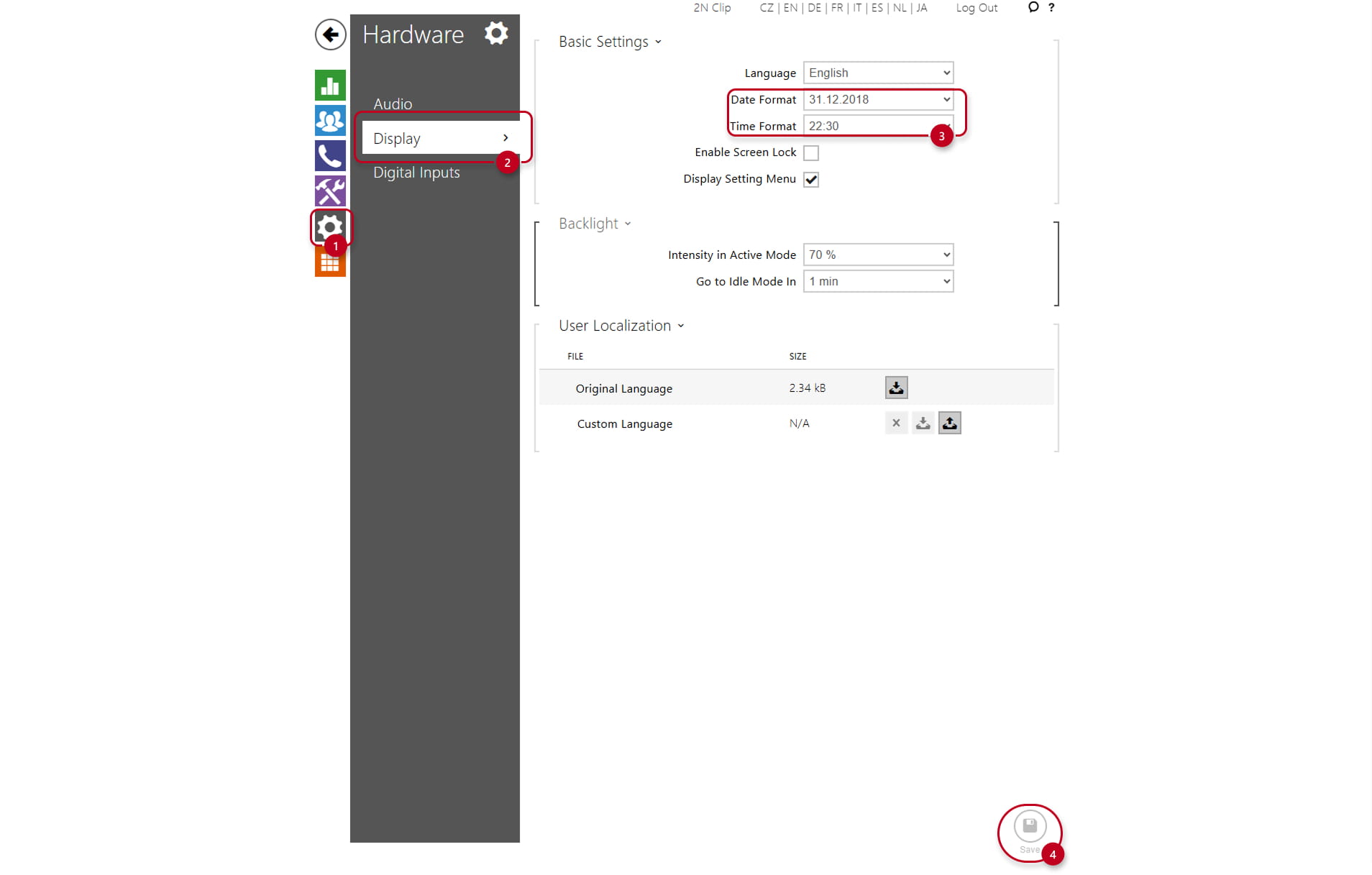
To edit the date and time format, go to Hardware -> Display -> Date and Time format. Here you can edit both.