The steps in this article require using the web interface of a 2N device. Please follow this manual in case this is your first time using the web interface.
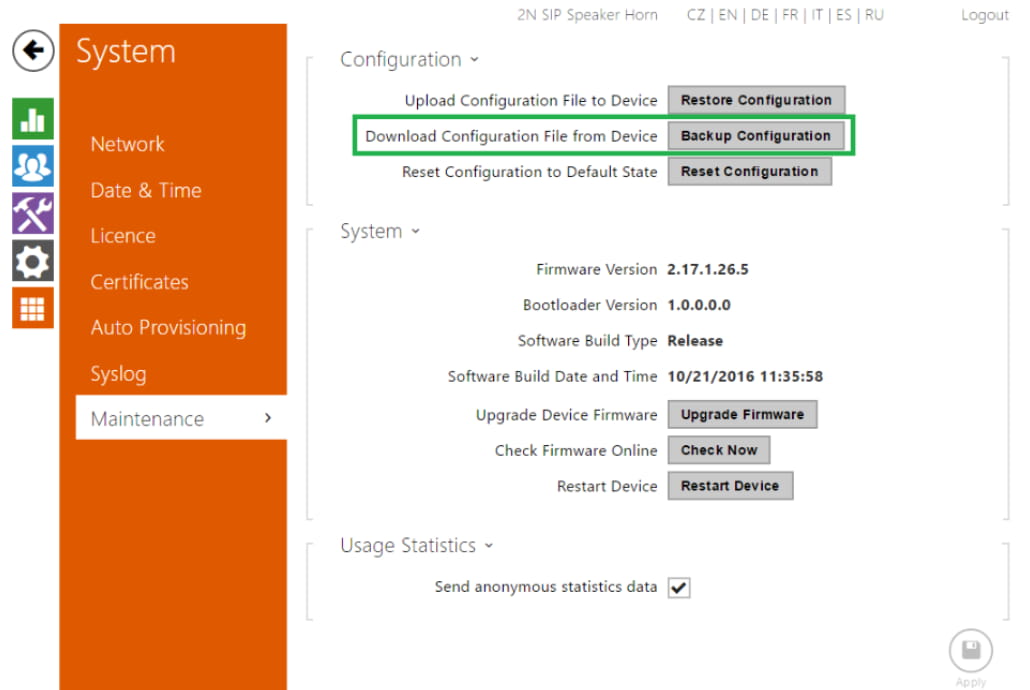
The backup of the database of 2N® SIP Speaker (Horn) you do in the web interface in System / Maintenance / Configuration using "Backup configuration" button.
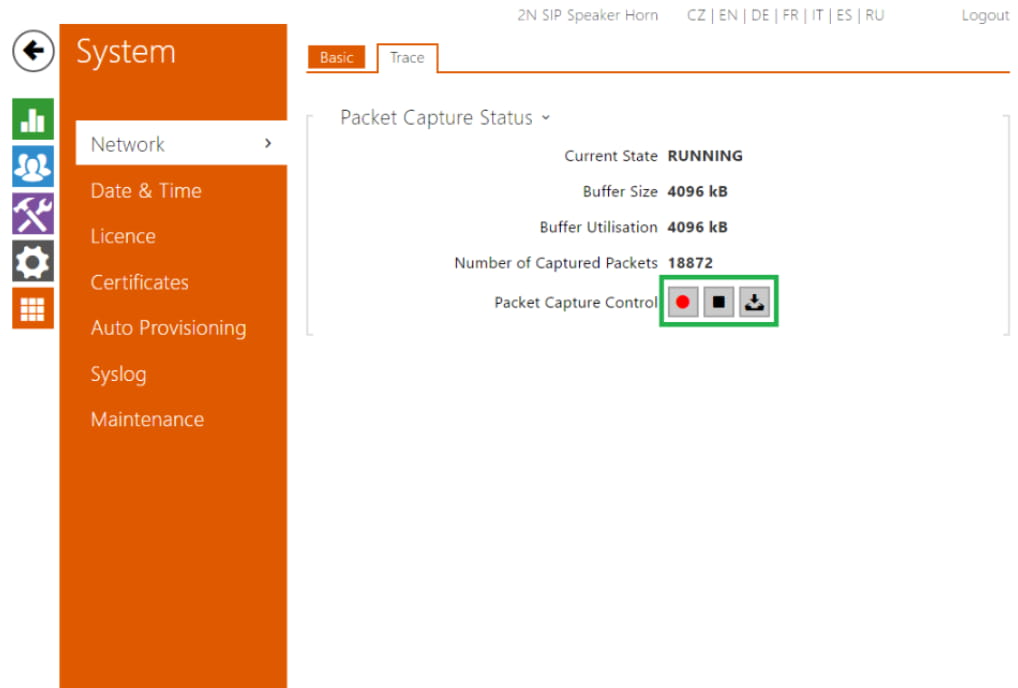
The capture of the trace you do in System / Network / Trace using 3 control buttons. The trace file is in the format *.pcap which can be opened in Wireshark.
-
red dot to start the capture
-
black square to stop the capture
-
down arrow to download the trace to your PC