The My2N Management Platform
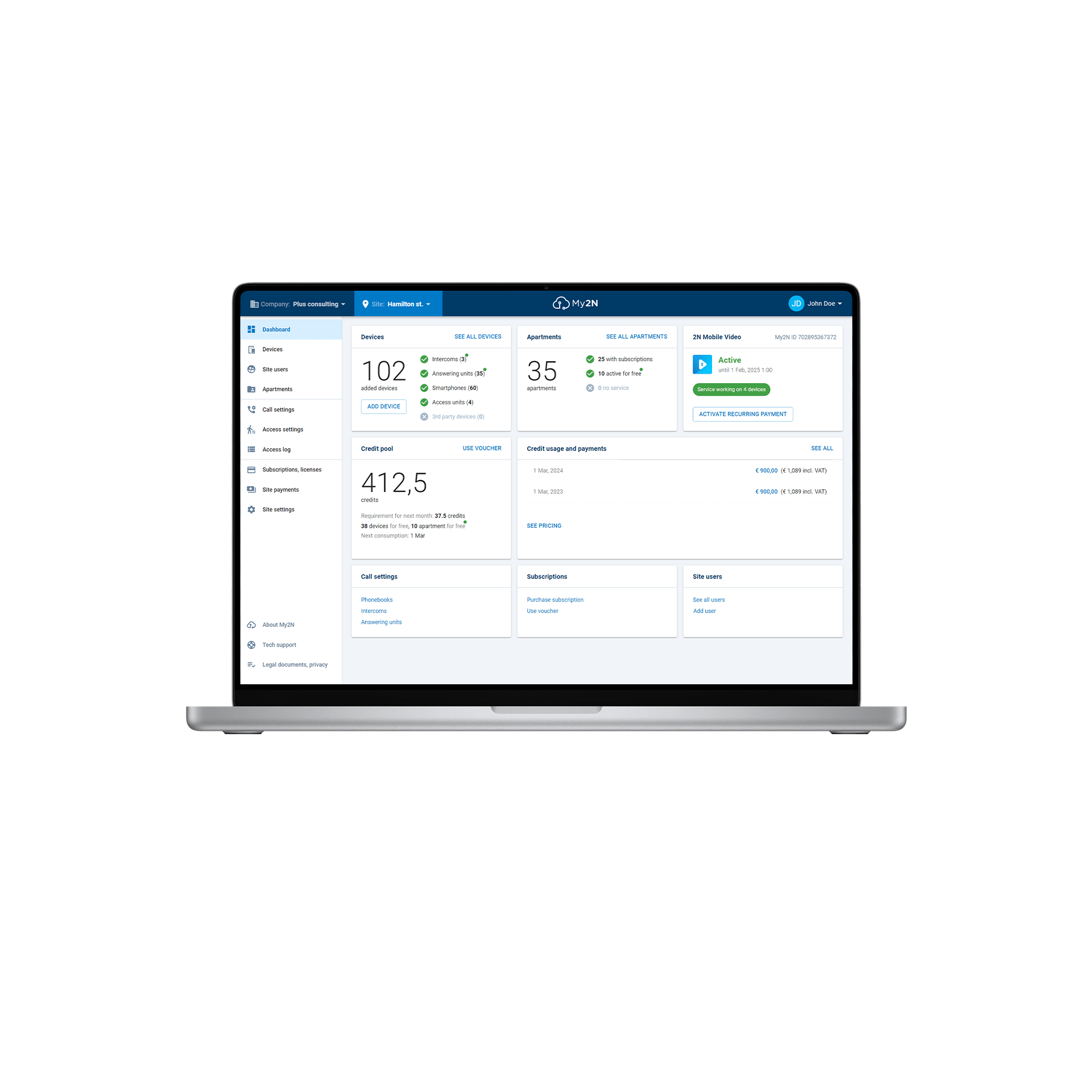
Cloud management of residential installations.
Log in
Create a new account
Select Your Region and Language
EMEA
Asia | Pacific | Australia

Every project has different needs. We offer two different platforms to set up 2N IP Intercoms, access control readers, indoor stations, and other devices to create a complete solution you can easily manage.


Did you know there’s a third way to manage installations? When you use the product’s web interface – the 2N OS – you have granular access to the device’s settings, including calling and access permissions.
Learn moreWe have the total package when it comes to access control. Check out what else we offer that allows you to get the most out of your 2N products and build the perfect project.


2N® Access Commander is the best option for you when it comes to the management of users, devices and access, however, you can certainly still use the My2N Management Platform to deliver cloud calling to the users managed in 2N® Access Commander - plus whatever else the project requires.
As mentioned before, you can still use the 2N OS to make any changes to any device needed. Then, to centrally manage a complete office intercom system, 2N® Access Commander is the best option. It’s designed for the on-premise management of IP intercoms and access control readers and allows you to assign day-to-day tasks to the users (receptionist, HR manager, IT manager) in the buildings.
Again, you can still use the 2N OS if you want to make changes to individual devices. However, for the configuration and management of large numbers of devices, the My2N Management Platform was made for you! The cloud-based infrastructure was designed to allow property managers to configure IP intercoms, access control readers, and indoor panels without needing them to be on the same network. The simple interface also means it’s less complex than platforms designed for commercial use cases, you won’t need to be an expert to know how to set access rights or intercom calling.
If you have a project that uses only a few devices, setting up your IP intercoms, access control readers and indoor panels in the 2N OS is a great option, and easily manageable. You can set access rights in it directly, and it will give you the flexibility to offer advanced features such as a customised display for the 2N® IP Style. However, the 2N OS is not your only option! You can centrally manage any project of any size with either 2N® Access Commander or the My2N Management platform, and the 2N OS is simply a way to make changes to devices on a granular level as well. It's also important to note that any project of any size can use the 2N OS to make changes to devices!
Not a problem! You can access the devices’ 2N OS configuration interface natively through either of those two platforms; where devices are in the same local network via 2N® Access Commander, or remotely through the cloud via the My2N Management Platform.
That’s OK. Our team are ready and waiting to talk you through the options. Use the contact form at the end of this page to get in touch and speak to someone about what you need and what we can offer you.

Planning a project?
Use our online project builder to help you make the right choices