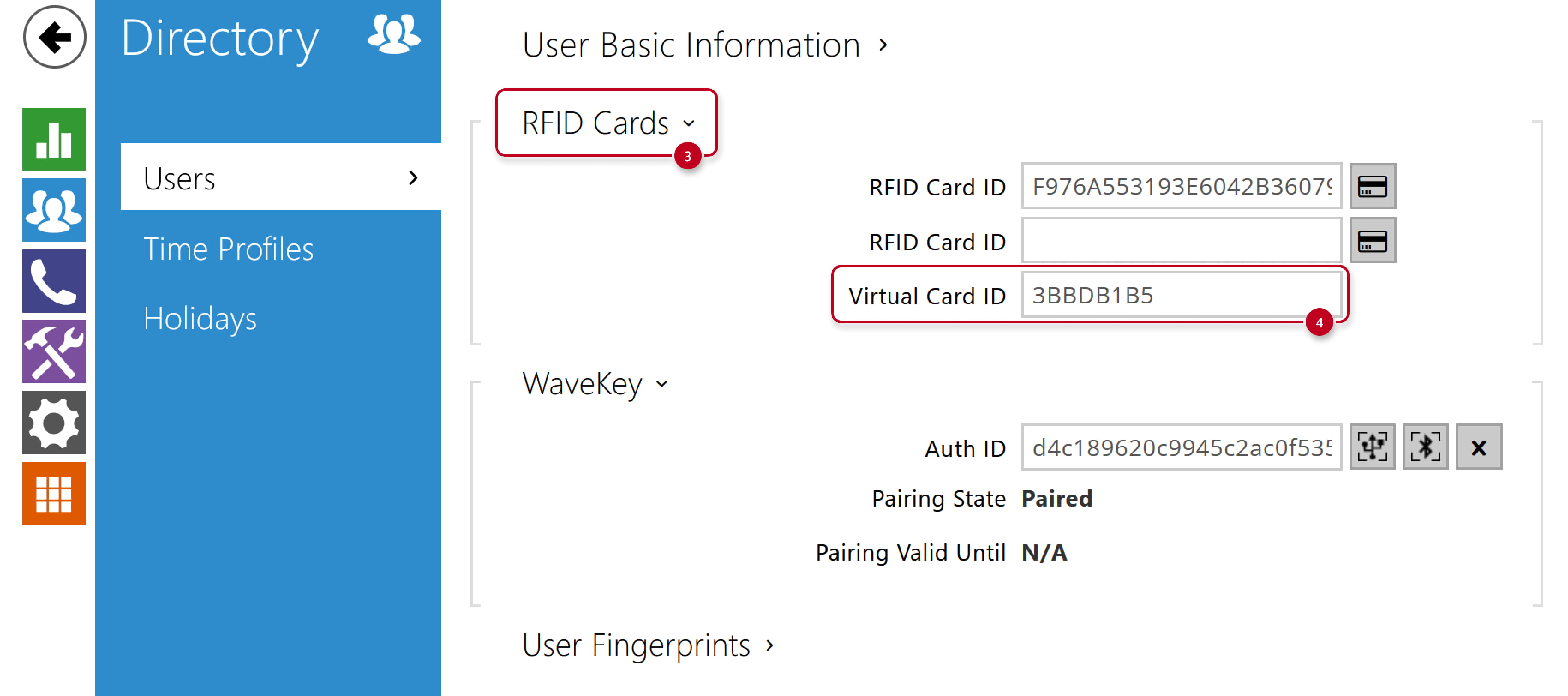
Virtual Card ID to the user
- In 2N device web interface, go to section Directory - Users,
fill in the Virtual Card ID into the existing or new user´s User Cards part,
it does not have to be the same as the RFID Card ID, which can be sent to Wiegand as well.

Sending Virtual Card ID to Wiegand
- Go to section Services - Access Control - Entry Rules and activate sending of the Virtual Card ID to Wiegand
by selecting the Group that corresponds to the Wiegand module setting as we will show later.

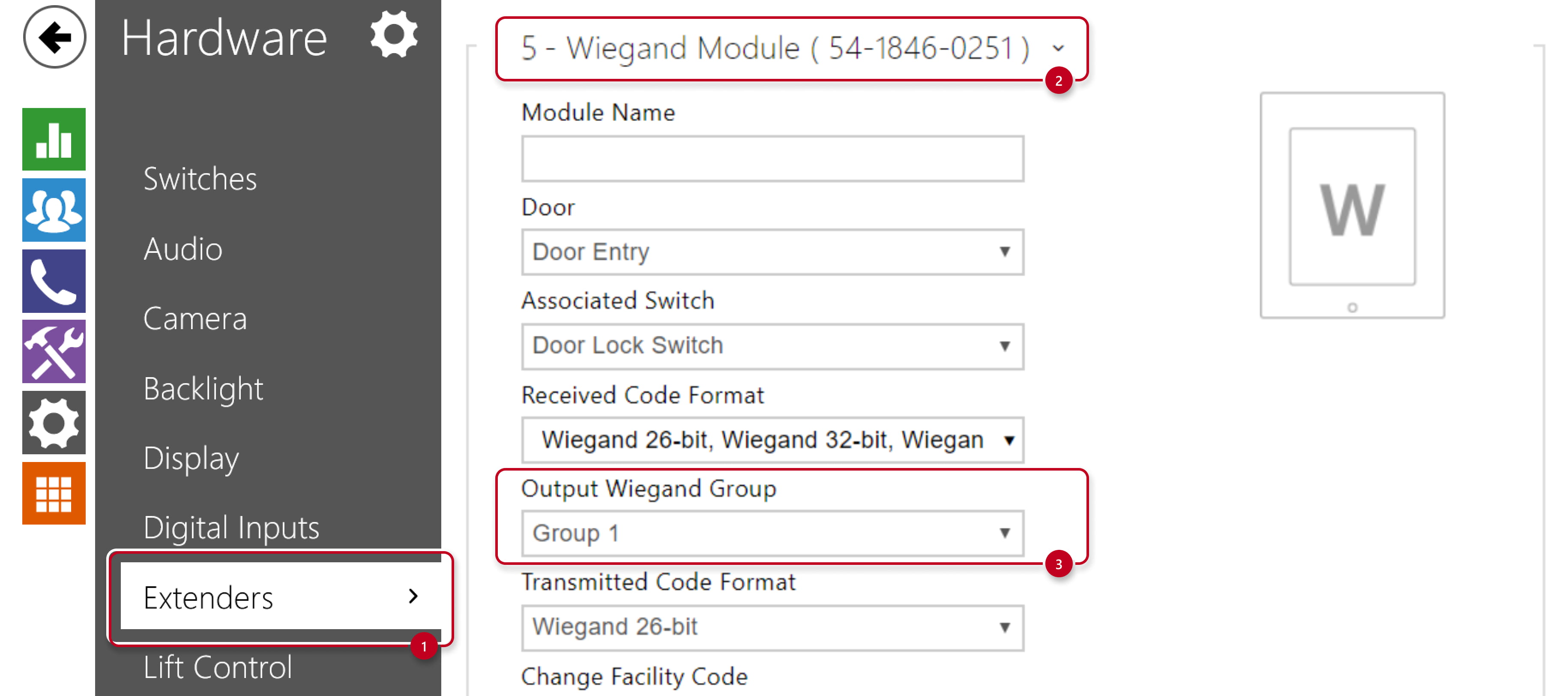
- Go to section Hardware - Extenders - Wiegand module and verify,
that Output Wiegand Group matches the previous step setting.