Prerequisities
-
2N Access Commander the latest version
-
License Advanced / Pro / Unlimited for 2N® Access Commander
Feature properties
-
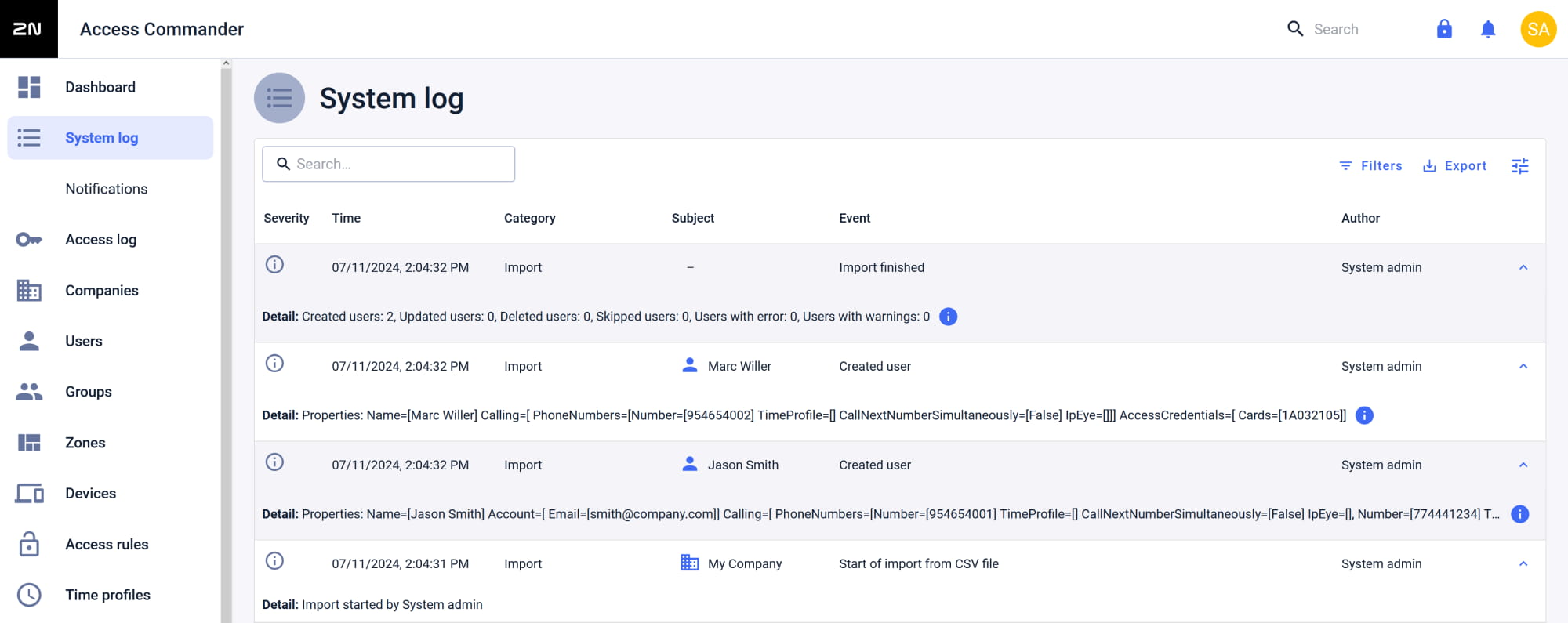
Users can be imported only to the Company, where the import will proceeded.
- The function cannot delete users.
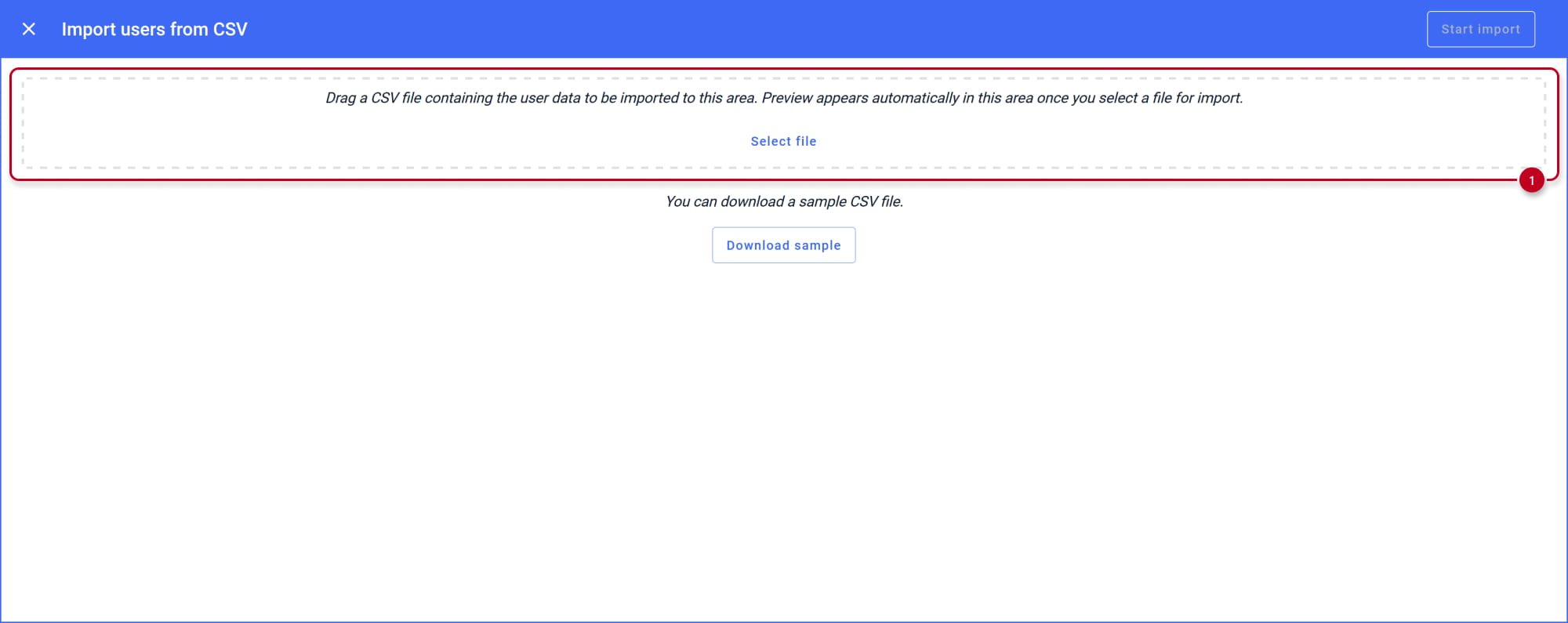
- One-time import is proceeded via a CSV file uploaded via the web interface.
- The following attributes can be imported:
- user name,
- email,
- 3 phone numbers,
- code,
- card number,
- groups,
- employee's ID.
- If you would like to be able to also remove users and set periodic proceeding, please follow another article related to CSV synchronisation:
2N® Access Commander - CSV Synchronisation to import / remove users with their details
CSV file preparing
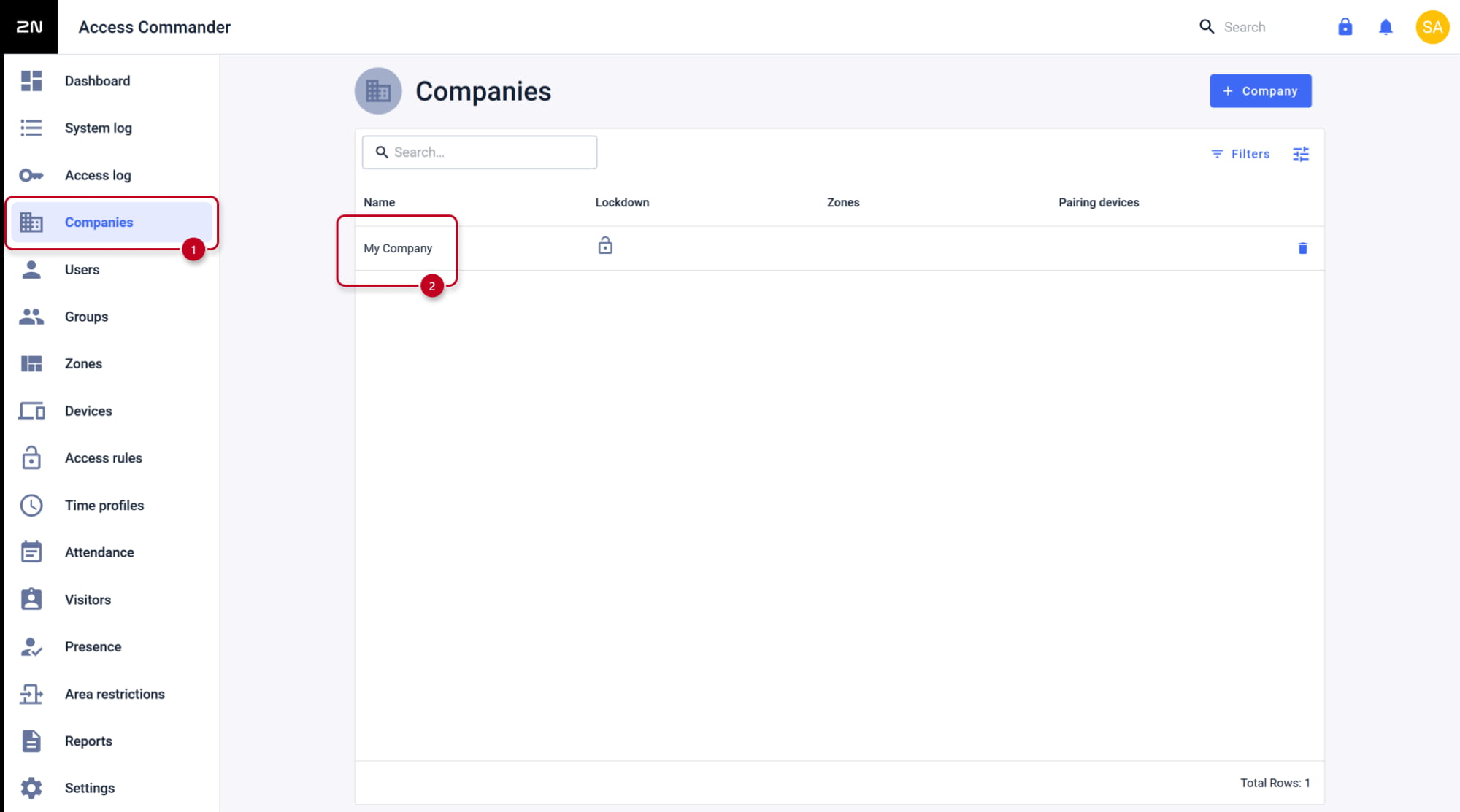
- In the Access Commander's web interface, go to Companies and open your company details.
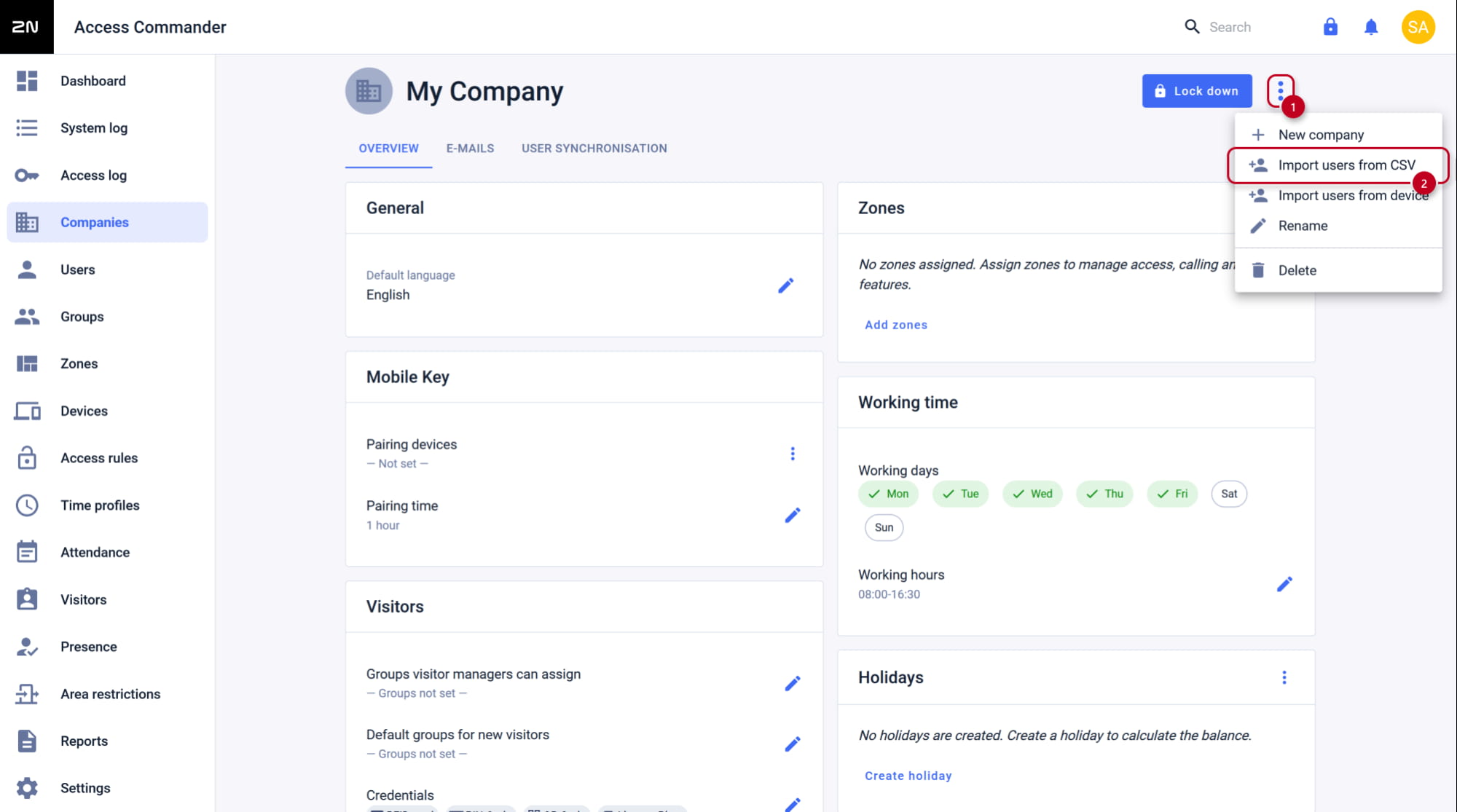
- In the three dots menu select Import users from CSV.
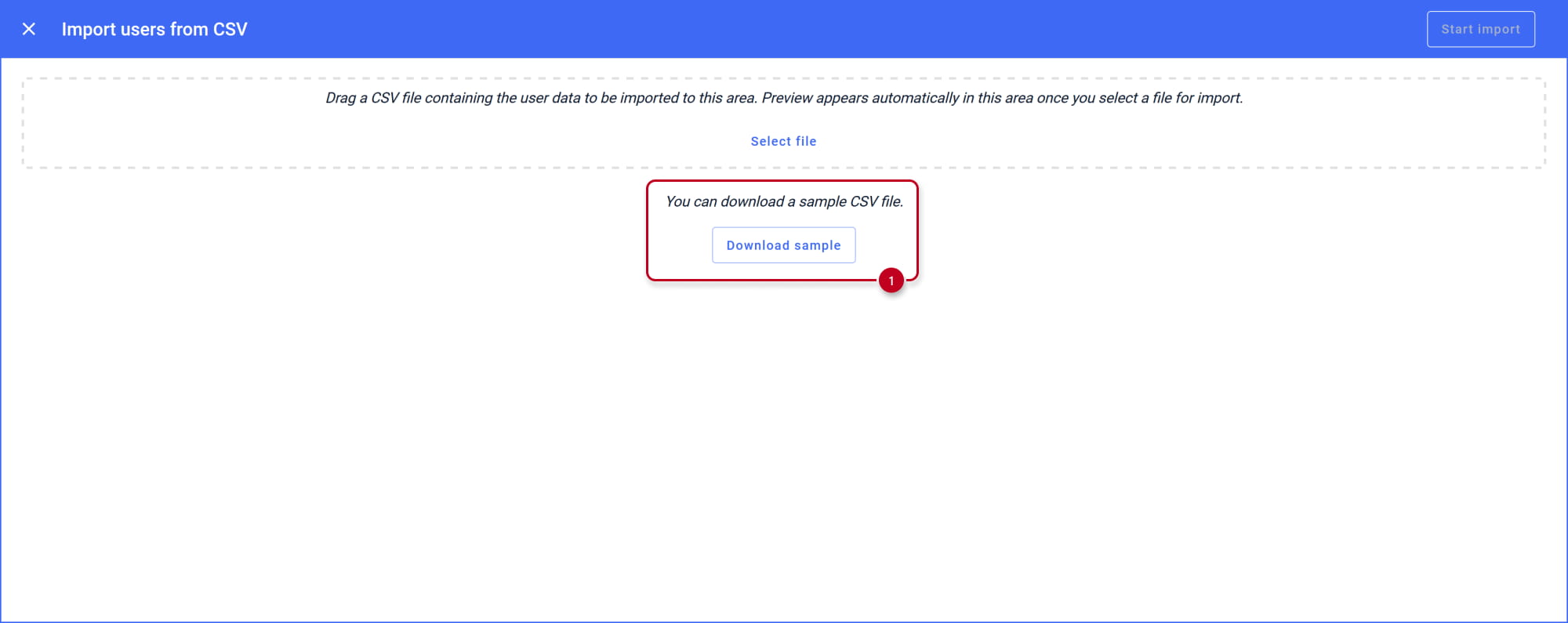
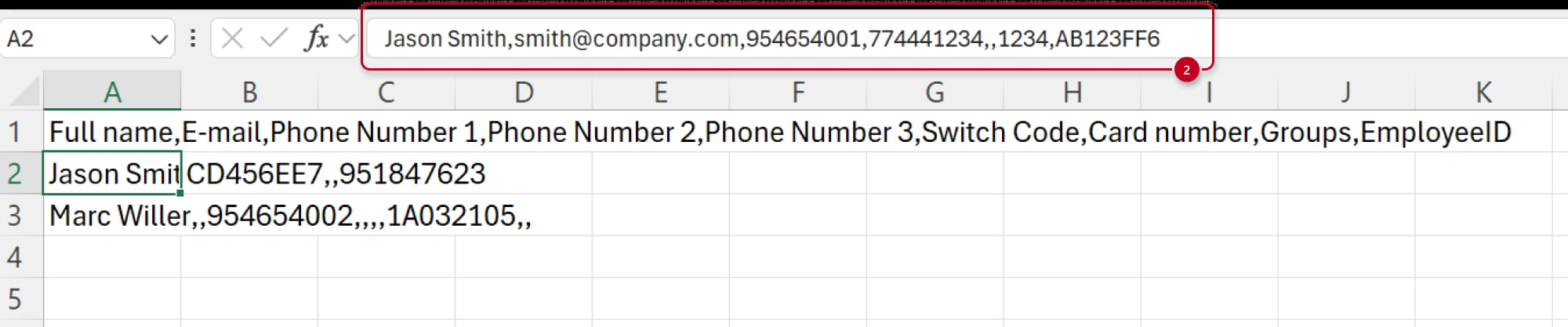
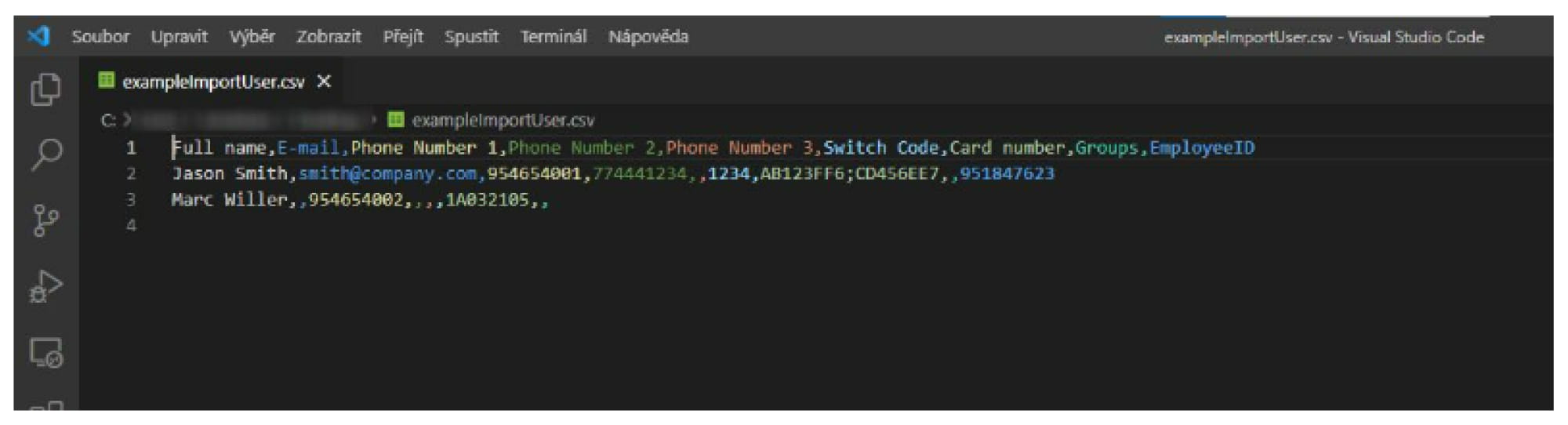
- Download the sample CSV file, after opening you can see how to enter the parameters.