Info
This FAQ serves mainly such a quick guide for quick report of technical issue on 2N Lift8.
In such a case is necessary provide all information on technical support form or to your local distributor.
-
Always proceed an upgrade for actual available firmware version for your hardware, available on www.2n.cz
-
Exact description of connected units, including all serial numbers on installation site (you can use printscreen or save xml configuration and print actual units from Surveillance menu)
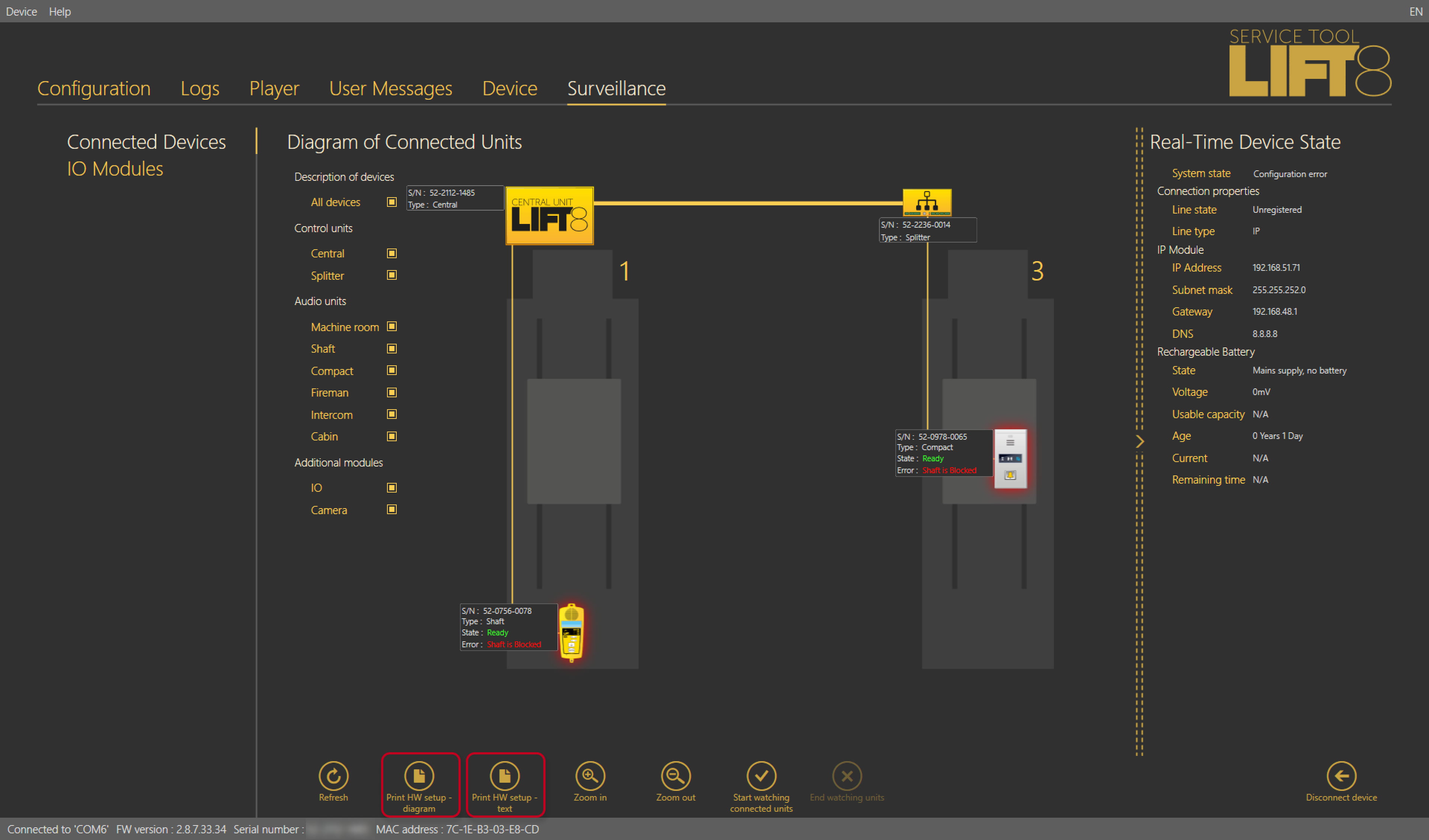
-
Used communication module
-
Exact LEDs description from the central unit of 2N Lift8
-
In case of audio unit issue, description of LEDs on it
-
Save actual configuration, logs and bus logs from the central unit: Configuration backup - How to backup configuration and how to capture a trace - 2N Lift8
-
In case of VoIP issue, make an wireshark trace (.pcap)
-
Language of voice menu
-
In case of user voice messages, send problematic file with description
-
In case of camera module issue:
-
exact problem description
-
camera type, model, firmware
-
SD card type, are data storing?
-
Camera module mode
-
Stand alone
-
in Lift8 usage
-
-