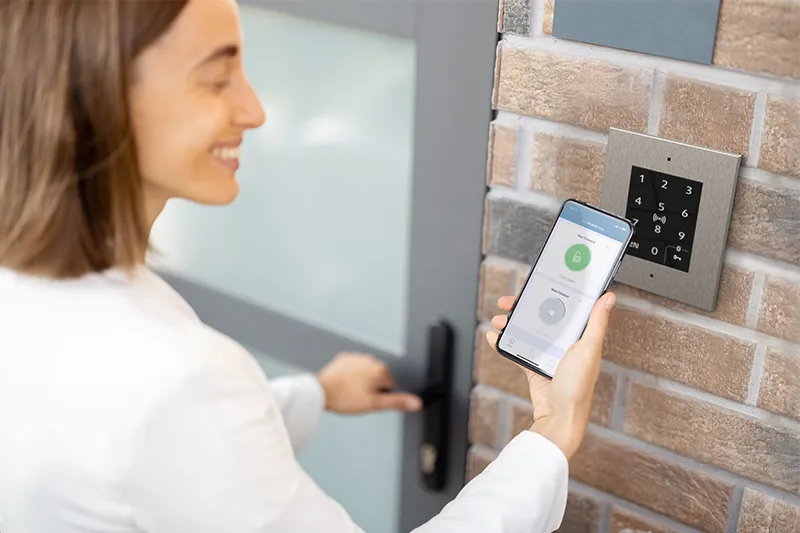
Enable standard phone calls from intercoms via My2N cloud
Even residents with just a standard landline or with mobile phone without data can now receive calls from the intercom at the door. No extra hardware needed.

Some residents still don’t use mobile data or simply prefer the good old landline. Want to offer them intercom-to-phone calling too? No problem. With the My2N Management Platform, you can easily enable this feature. No additional devices required.
How it works
Standard phone calls work just like data calls. When a visitor presses the button on the intercom, the call is routed through the cloud using your SIP provider. The resident receives a standard audio call. Even though it is voice only, they can still open the door remotely by entering DTMF tones, such as 00*.
If multiple users are registered in the same apartment, the intercom rings all their devices, whether they use data calls or standard phone calls.
And you’ll also appreciate that standard phone calls don’t use up your My2N credits.
Important note: This is not a backup solution if the mobile phone temporarily loses its data connection.
Quick setup guide
The My2N Management Platform lets you configure a SIP profile for each device. You’ll need to choose which profile to use for standard phone calls and arrange your own SIP provider.
- Log in to the intercom’s web interface and configure a SIP profile.
- Enable standard phone calling at the site level in the My2N Management Platform.
- Activate standard phone calling on the device and assign the SIP profile.
For detailed instructions, check out our FAQ page
Typically, the integrator handles the initial setup, and the property manager just updates phone numbers as needed.
Security first
Whenever possible, we recommend using video calls for added security. Visual verification adds an extra layer of protection for your building and its residents.
Ready to learn more?
Our experts are here to help you make the most of your next project with the My2N Management Platform.
Contact us