-
Install software 2N PC manager UNI
-
Switch off the 2N EasyGate
-
Connect the USB Cable to 2N EasyGate and your PC
-
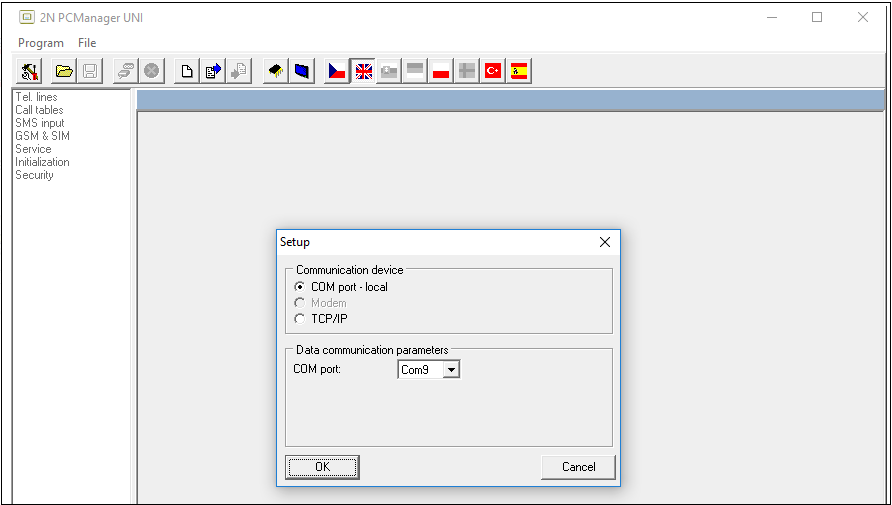
Run the 2N PC manager UNI and press set the Setup button for connection

-
Select the right COM port, where the 2N EasyGate is connected to
-
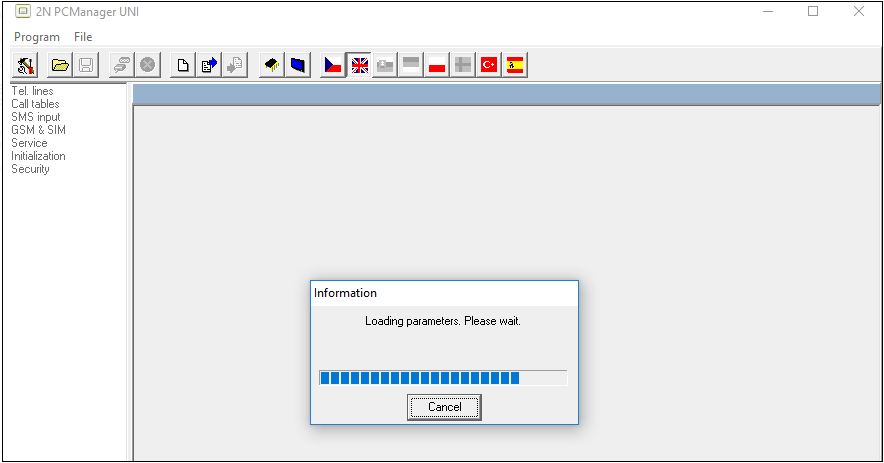
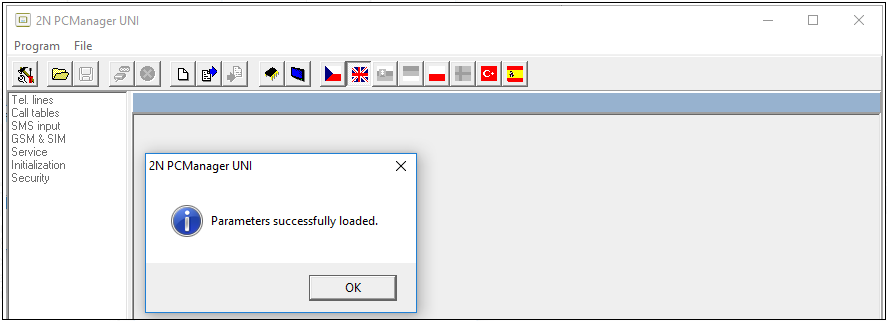
Readout the parameter from your 2N EasyGate by clicking icon Load configuration

-
Switch on the 2N EasyGate
-
Click on upgrade button

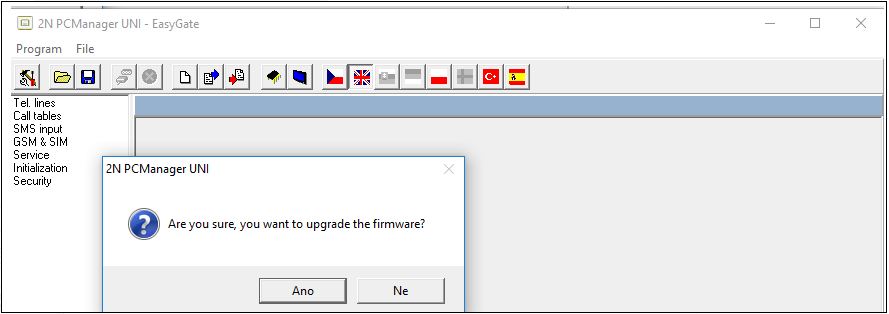
-
Select the firmware and confirm
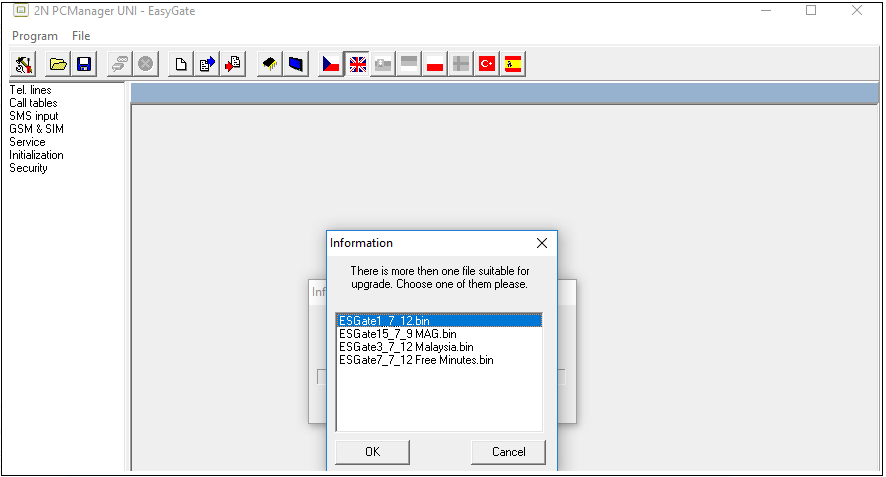
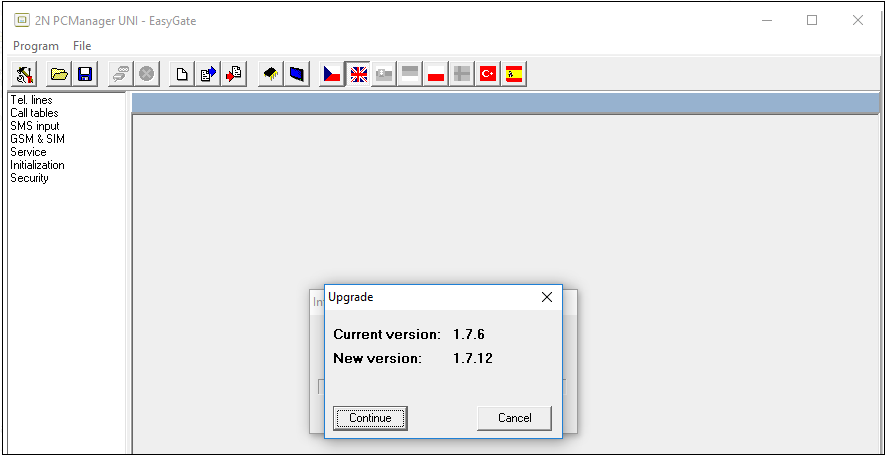
-
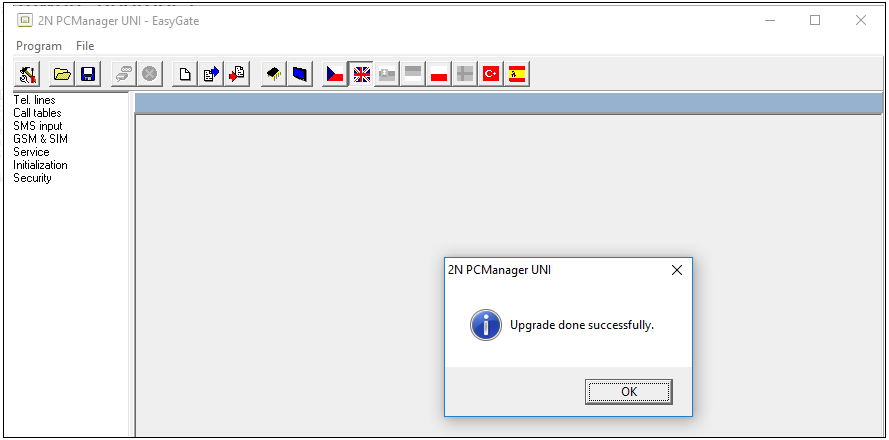
wait till the end of the upgrade, confirm and switch off the configuration tool, 2N EasyGate will restart