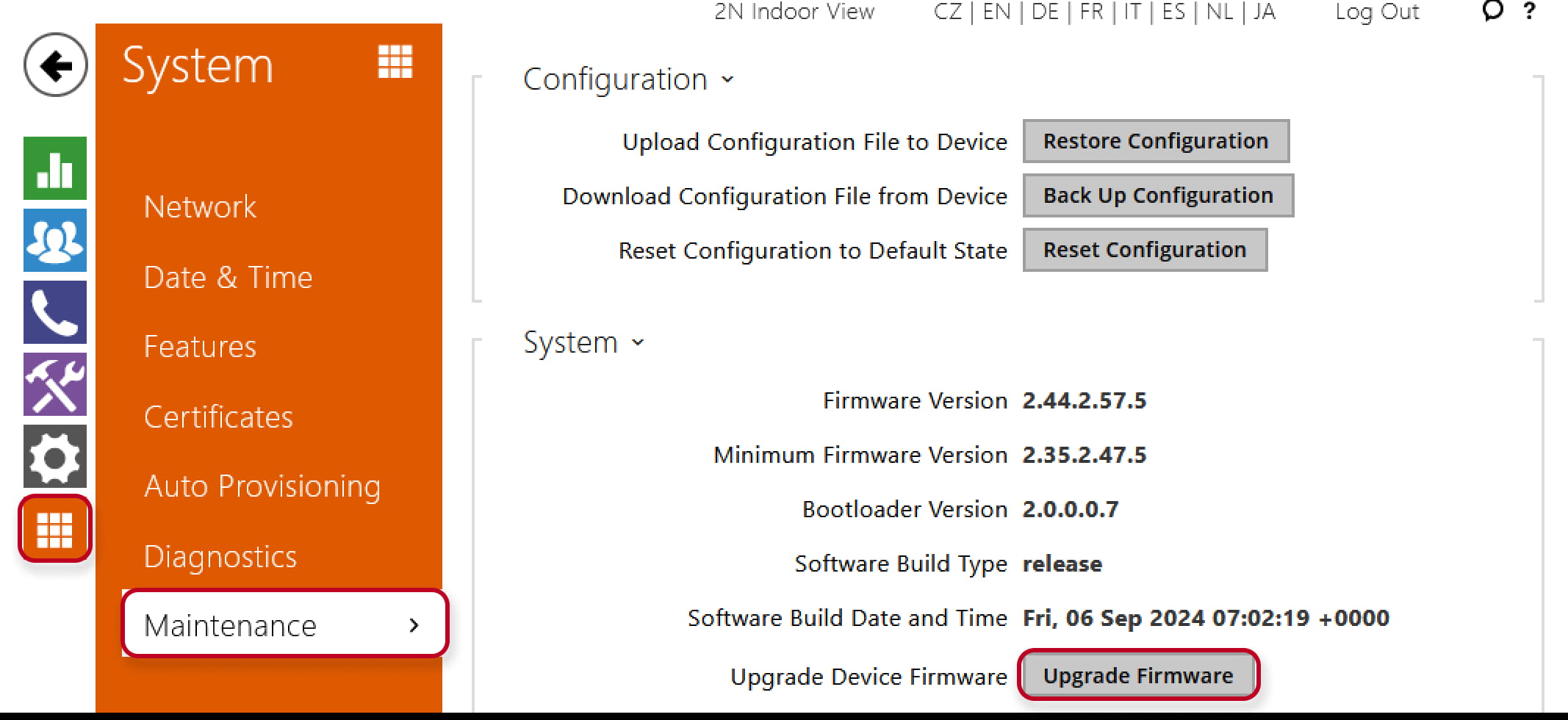
In the web configuration interface select in the Menu System - Maintenance "Upgrade Device Firmware".
-
Upgrade firmware – upgrade your 2N Indoor View firmware. Press the button to display a dialogue window for you to select and upload the firmware file to the device. The device will automatically get restarted and new FW will then be available. The whole upgrading process takes less than one minute. Refer to www.2n.com. for the latest FW version for your device. FW upgrade does not affect configuration as the device checks the FW file to prevent upload of a wrong or corrupted file.
-
Check now – check online whether a new firmware version is available. If so, download the new FW version and an automatic device upgrade will follow.