1) First of all upload file netstar-package-trunk-x.x.x.x.x.zip to server by means of WinSCP software

The login/password is admin/2n
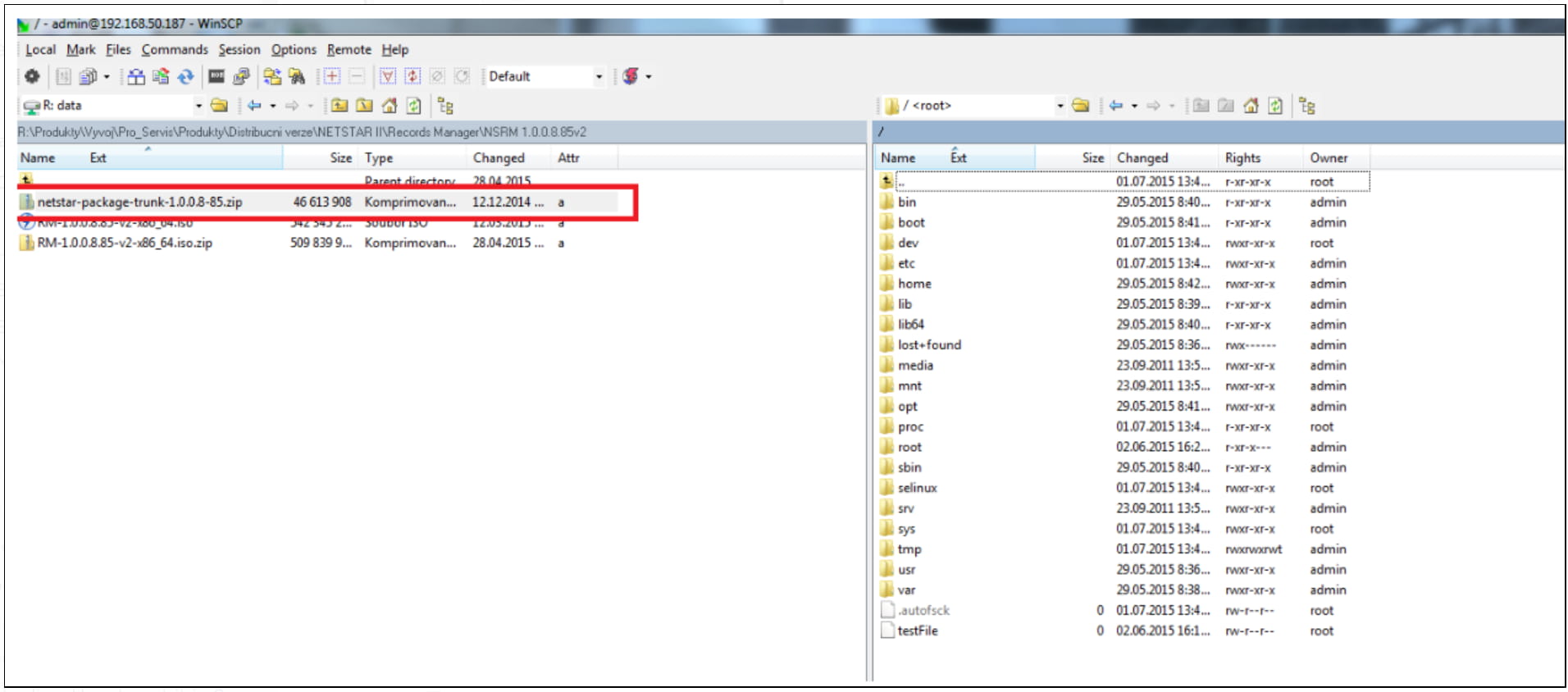
The file must be copied to /home/share directory.
2) Enter console mode (you can use PuTTY software, the connection can be done over SSH/Telnet protocol) and enter the following commands:
-
Unpack uploaded files
-
unzip netstar-package-trunk-x.x.x.x.x.zip
-
-
Back up configuration files -
-
backup config.js file - cd /var/www/netstarrm/js/config then sudo cp config.js config.bak
-
backup configuration.groovy file - cd /etc/netstar/ then sudo cp configuration.groovy configuration.bak
-
create dump of database - mysqldump netstar > /tmp/zalohadb.sql
-
-
Upgrade Records Manager
-
If you have connection to Internet enter sudo yum install netstar-rm-1.0.0.x-xx.noarch.rpm netstar-connector-1.0.0.x-xx.noarch.rpm
-
If there is no Internet connection enter sudo rpm -Uvh netstar-rm-1.0.0.x-xx .noarch.rpm netstar-connector-1.0.0.x-xx.noarch.rpm
-
-
Restar tomcat service
-
service tomcat restart
-