I want to start using the My2N app instead of Mobile Key, but I do not see the „+“ icon in the My2N app to start the PIN pairing flow, what should I do?
The steps in this article require using the web interface of a 2N device. Please follow this manual in case this is your first time using the web interface.
Before we enable Mobile Key transfer for everyone, there is a possibility, that some users will have active Mobile Key in the background. If they want to start using the new app already before the transfer is turned on, they can just delete the Mobile Key app and the „+“ icon will appear in the My2N app.

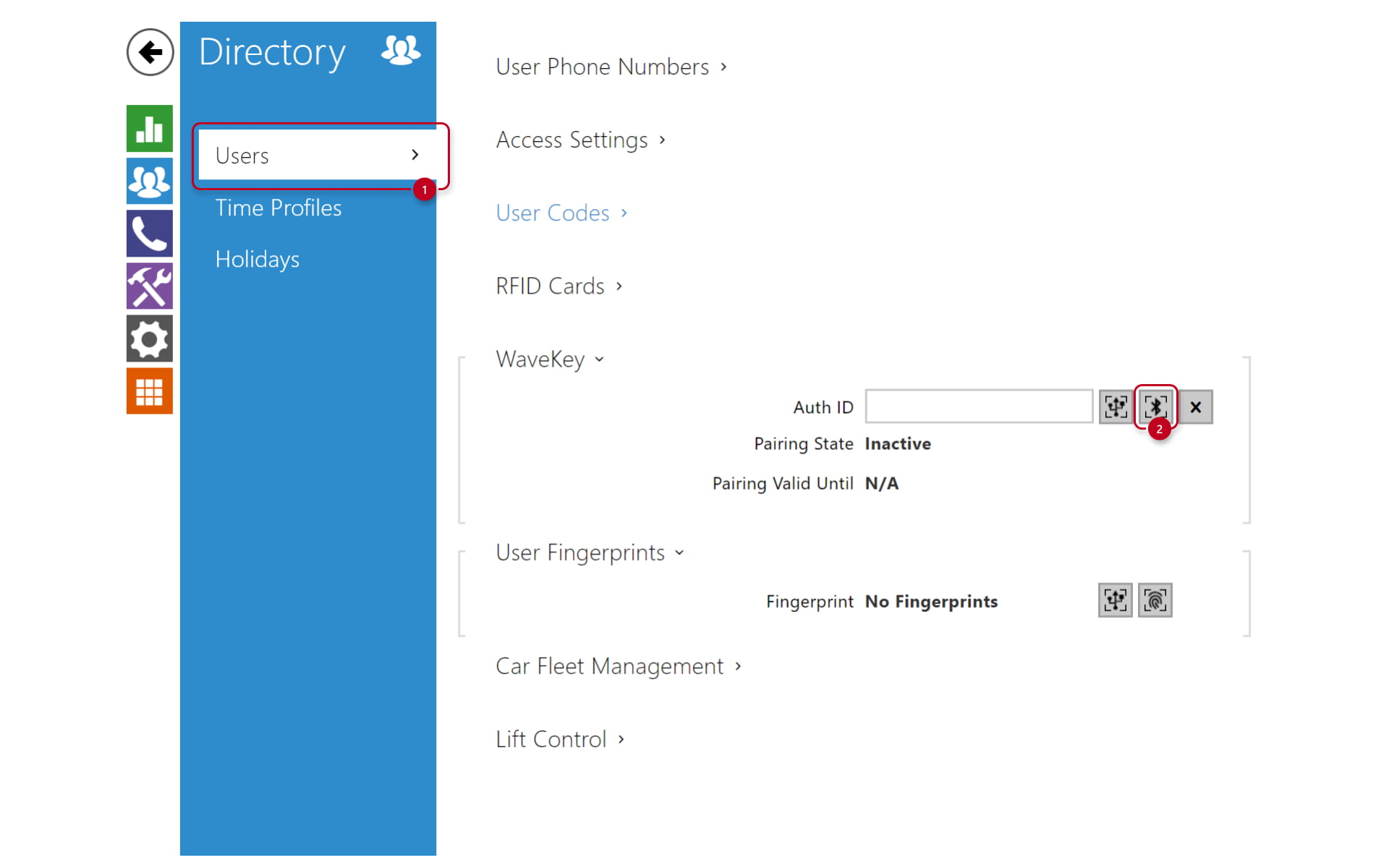
As the installation admin, you can navigate to the Remote configuration feature in the My2N portal to reach the intercom's web GUI. In there, navigate to Directory -> Users, select the designated user and scroll down to find WaveKey option.

Once the pairing PIN is typed into the app, the app will ask you to pair the device.

Just note that deleting the Mobile Key app will remove any paired locations and access logs.