Time profiles - managing time restricted access for 2N Fortis
Time profiles are supported for 2N Fortis in 2N Access Commander version 3.4 or newer.
However some limitations apply.
Time profiles in 2N Access Commander are an optional feature used to limit access for users to specific days and time periods.
They can be assigned to access rules, which define the relationship between a group of users and a Zone (where devices are assigned).
When 2N Fortis devices are part of that Zone, time profiles can also control when those devices are accessible.
Limitations of time profiles for 2N Frotis:
-
Time profiles are supported only in access rules, not directly on devices or users.
- Time profiles are saved on each programmed user card for 2N Fortis
- Each 2N Fortis programmed user card can hold a maximum of 4 time intervals per day.
- If multiple 2N Fortis devices are involved, each can have its own set of up to 4 intervals per day.
Example of data stored in card:
| Device | Day | Allowed Time Intervals |
|---|---|---|
| Lock 1 | Monday | INT1, INT2, INT3, INT4 |
| Lock 1 | Monday | INT3, INT5 |
| Handle 6 | Monday | INT1, INT6, INT4, INT8 |
| Handle 2 | Tuesday | INT5, INT6, INT7, INT8 |
Merging of Time Profiles:
If a user in 2N Access Commander is a member of multiple groups that use different time profiles for access to the same 2N Fortis device,
Access Commander will merge the intervals and attempt to create a combined time profile (not visible to user).
However, even after merging, the resulting time profile cannot exceed 4 intervals per day per 2N Fortis device the card has access to.
Additional Notes:
-
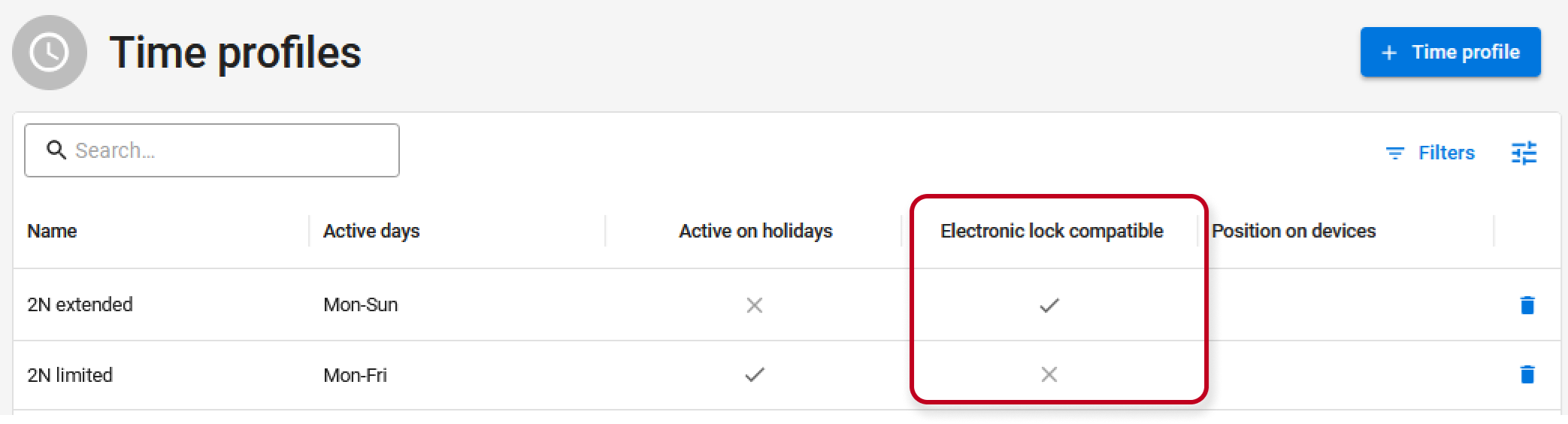
Access Commander will indicate whether a time profile is valid or invalid for 2N Fortis.
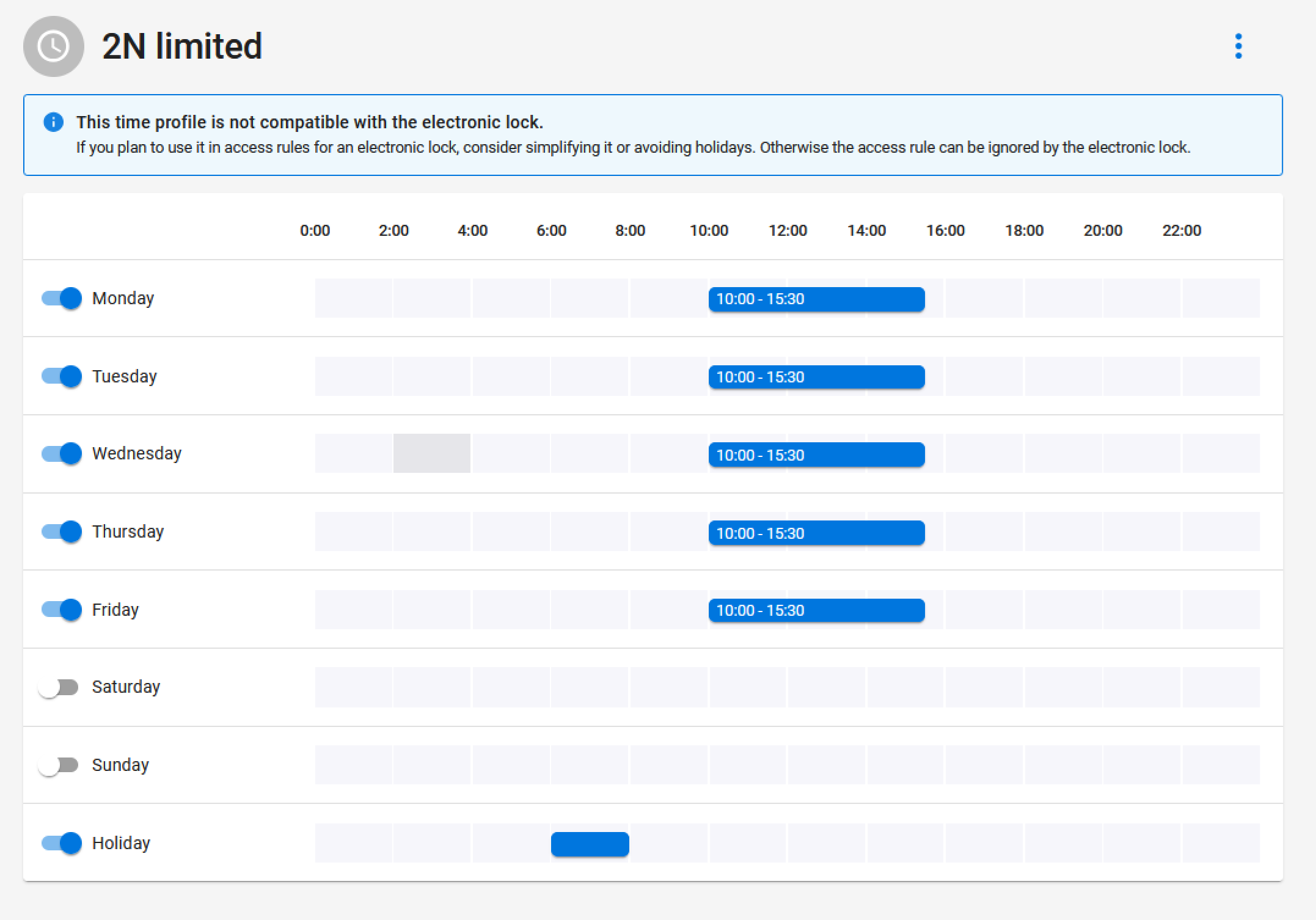
- Holiday settings are not supported for 2N Fortis compatible time profiles in 2N Access Commander.