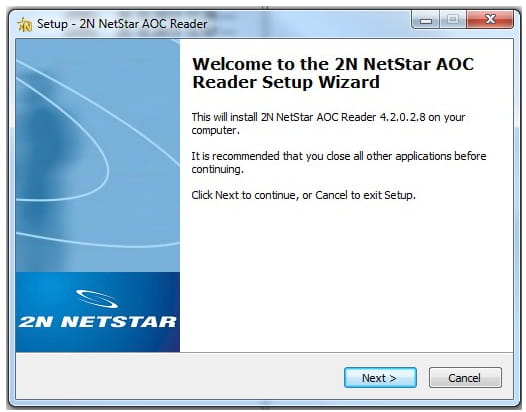
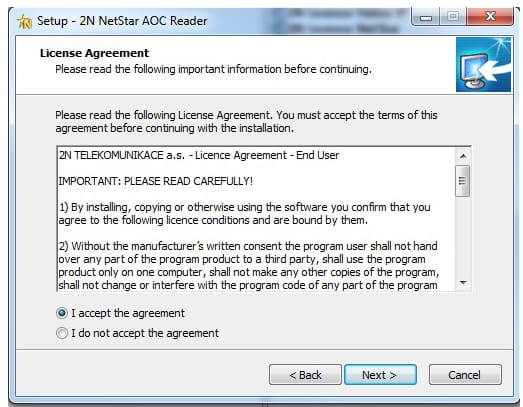
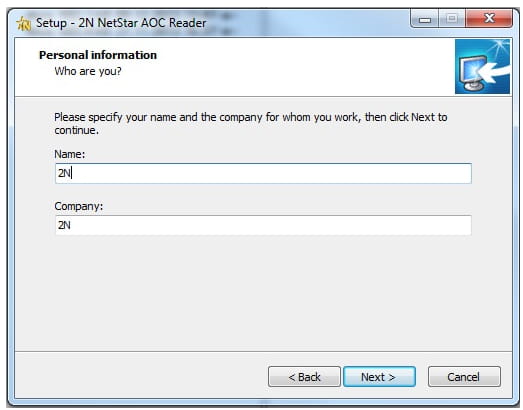
1) Start the installation of the AoC reader by double click on setup icon (NsAocRSetup_version.exe) and you will reach the Setup Wizard. After this set a few basic parameters as you can see in this short presentation. Make sure that your version is compatible (the same) as in your Netstar
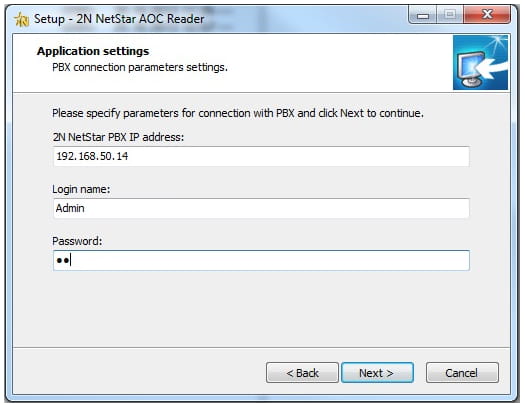
Set up the IP address and login name and password for you Netstar CPU
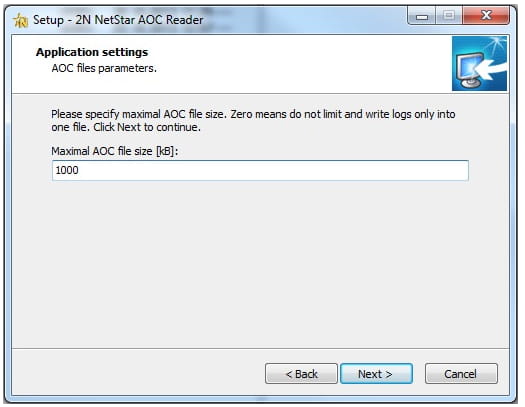
Select the destination for AoC files (txt format)
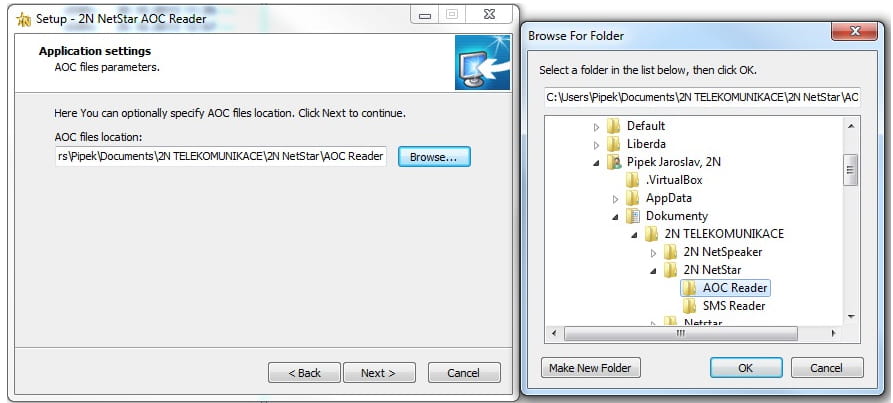
Select a folder where would you like to install program AoC reader

After you start the program (nsAocR.exe), you will be able to captured the AoC records from your Netstar.


You can find the captured data in txt format, here is an example
