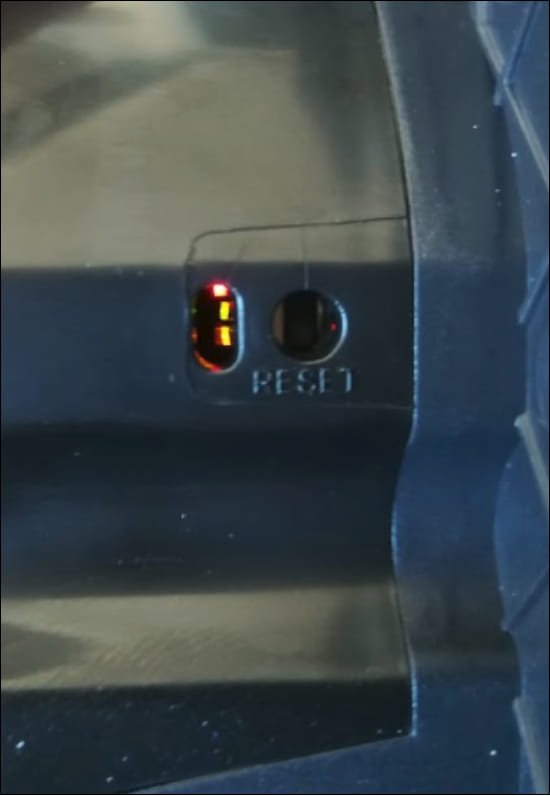
You have two options how you can make a factory reset for 2N Indoor Compact.
Software reset: Press the Reset Configuration button and confirm the process in the web configuration’s section System-Maintenance.
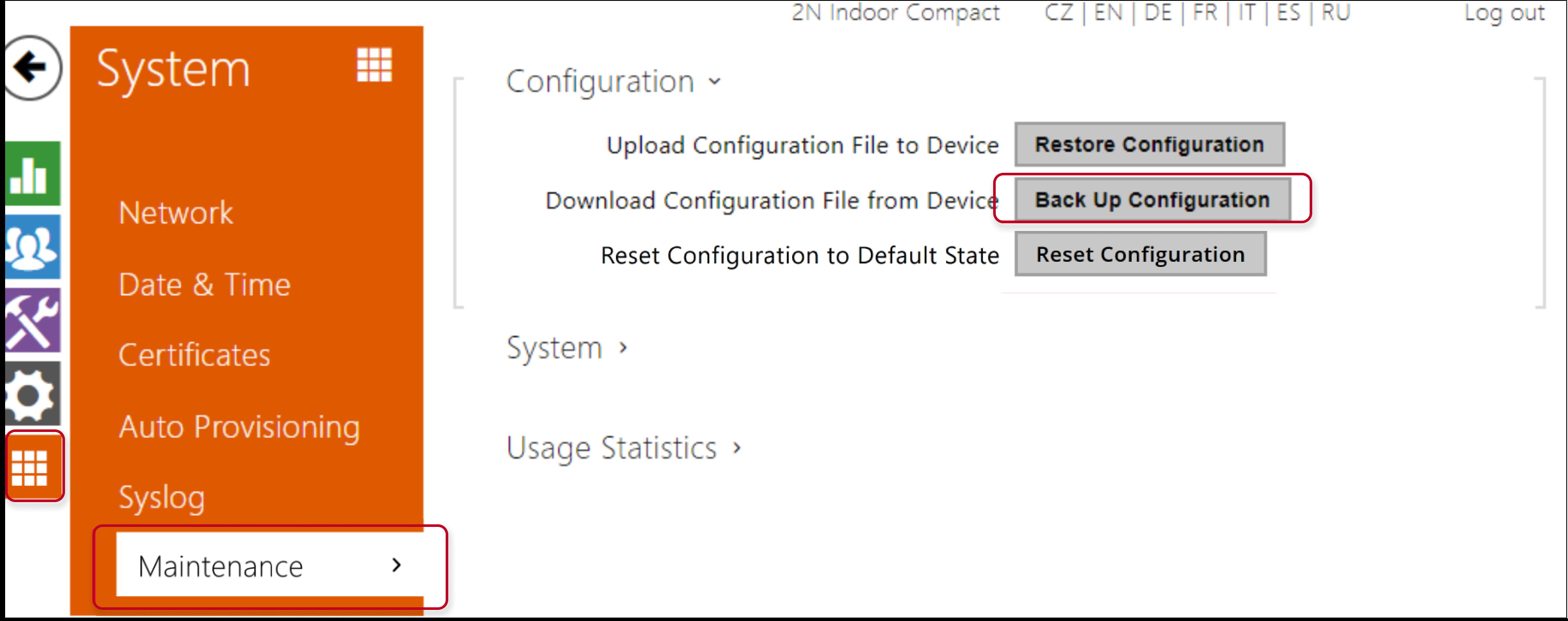
-
Reset configuration – reset default values for all of the device parameters except for the network settings (can be chosen during process confirmation).
Caution
The default state reset deletes the licence key if any. Hence, we recommend you to copy it to another storage for later use.
HW reset:
-
Press the RESET button.
-
Wait until the red and green LEDs on the device come on simultaneously (approx. 20 s).
-
Wait until the red LED goes off.
-
Wait until the green LED goes off and the red LED comes on again.
-
Wait until the red LED goes off and after that release the RESET button immediately.
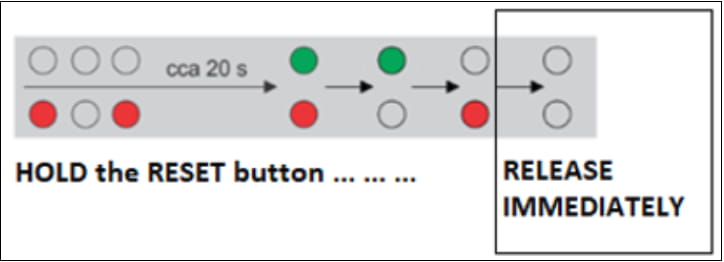
LEDs are visible in the hole next to the RESET button.