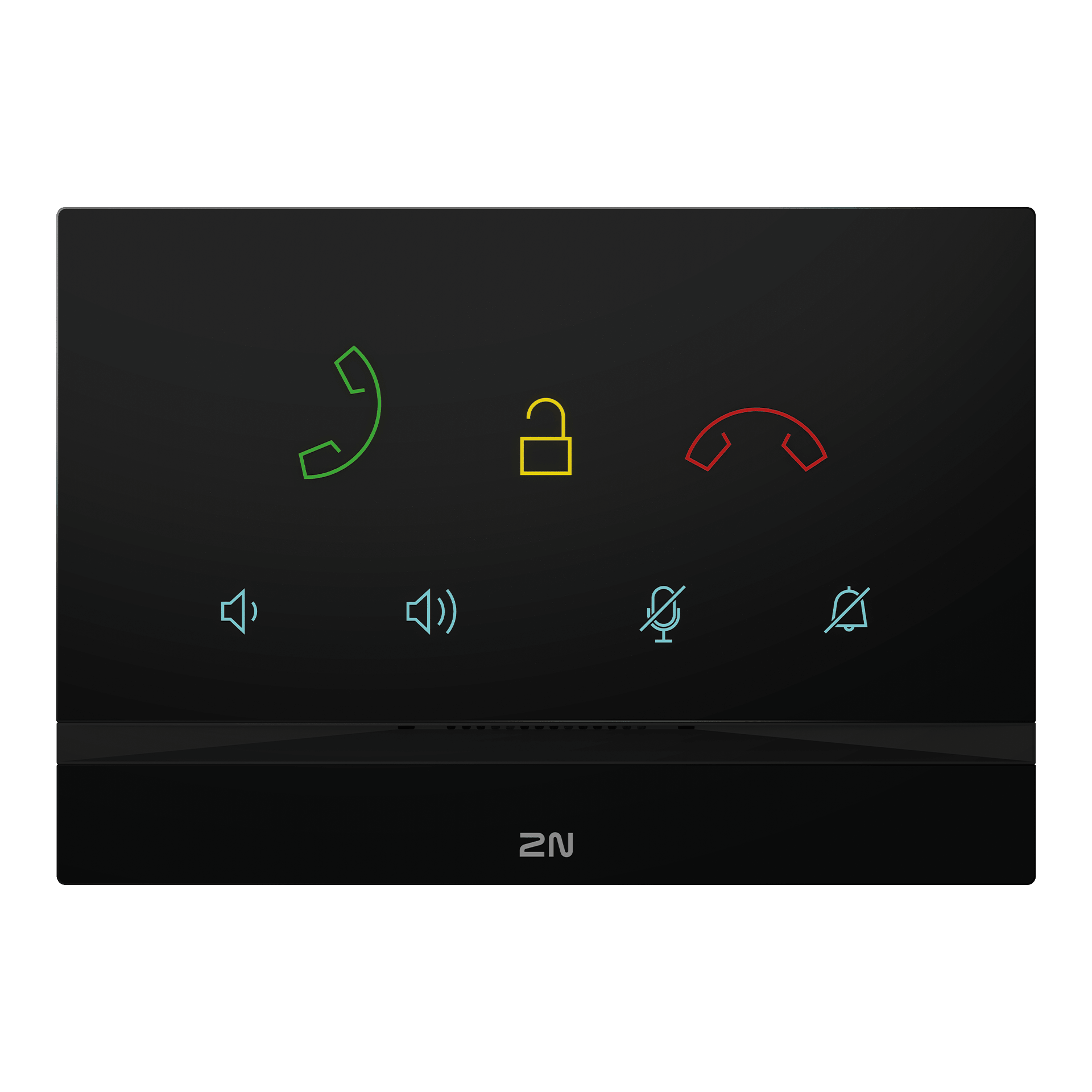
2N Indoor Talk
Een elegant station voor binnen met kristalhelder HD-geluid
Lijst met veelgestelde vragen
- 2N Network Scanner - Locating 2N devices in the network
- Answering Unit Registration and Configuration of Calls in My2N
- Certification for web authentication
- Communication via Device ID of 2N IP intercom
- Congifuring more unlock buttons in 2N Answering Units
- Connecting Doorbell to the 2N OS Indoor Units
- Direct calling to 2N Indoor Talk from the AXIS door station AXIS A8004-VE
- Direct call without SIP Proxy registration
- Disabling the video preview with the 2N IP intercom outside the call?
- Factory reset - How to do factory reset for 2N Indoor Talk
- Firmware upgrade - How to make a firmware upgrade on 2N® Indoor Talk
- How to provide all information to effectively resolve a technical issue with 2N Indoor Talk
- How to provide all information to effectively resolve a technical issue with 2N OS device
- HTTP Commands – How to configure them in Answering units
- Induction loop for 2N IP Intercoms and Answering units
- Issues accessing the web interface on macOS
- Password recovery in 2N OS devices
- Peer-to-peer call to 2N Indoor Talk from the AXIS door station AXIS A8105-E
- Peer-to-peer call to 2N Indoor Talk from the AXIS door station AXIS A8207-VE
- Setting up call from a 2N IP intercom to a 2N Indoor Talk and vice versa
- Setting up calls from and to 2N IP intercom
- SIP Proxy registration on Answering Units with 2N OS
- Unlock buttons - Configuration in 2N Answering Units
- Video - 2N OS devices - Factory Reset procedure
- Video – 2N Indoor Talk - flush installation guide
De artikelen zijn alleen beschikbaar in het Engels.