-
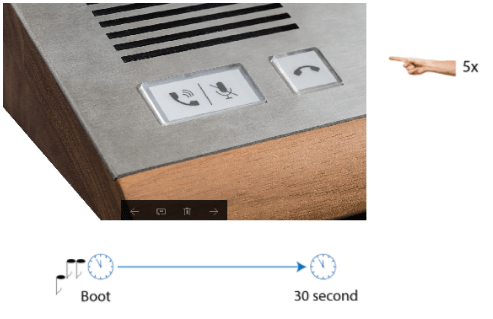
Turn on the device switch.
-
Wait until you can hear the sound signal.
-
Press the call hang-up button on the device five times.
-
2N SIP Mic reads its IP address.
-
If the address is 0.0.0.0, it means that 2N SIP Mic did not get its IP address from the DHCP server. In that case contact your network administrator.
Having found the IP address, open any web browser on a PC connected to the same network.
Enter http://found_IP_address/ into the address row.
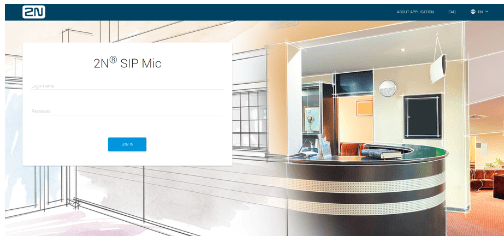
Confirm your selection. If 2N SIP Mic is connected in the right network, its configuration web page opens up.
-
Log in using the Admin user name and 2n password