The steps in this article require using the web interface of a 2N device. Please follow this manual in case this is your first time using the web interface.
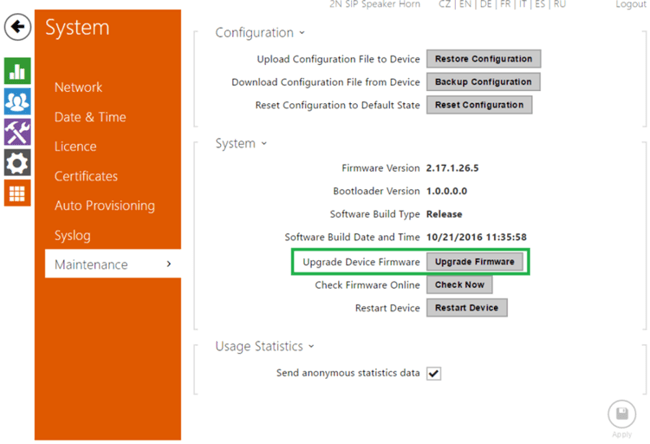
The firmware upgrade of 2N SIP Speaker (Horn) you can do in the web interface in System / Maintenance / System using "Upgrade Firmware" button. The latest firmware files you can find at 2n.cz in the download section.